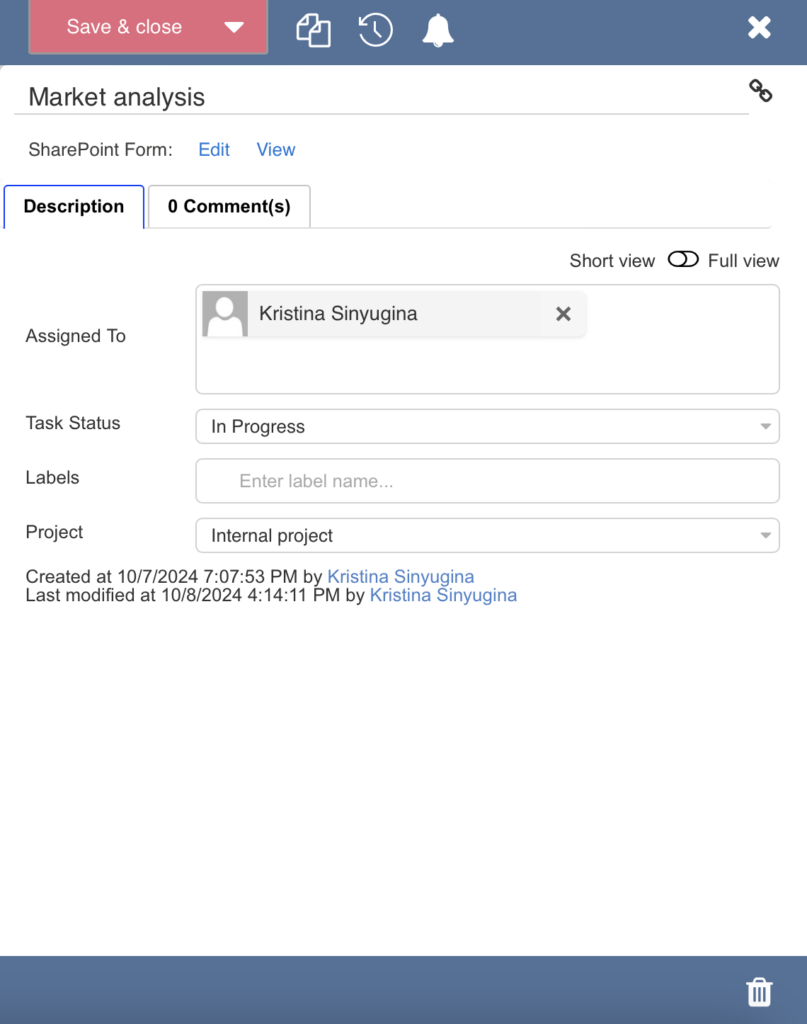
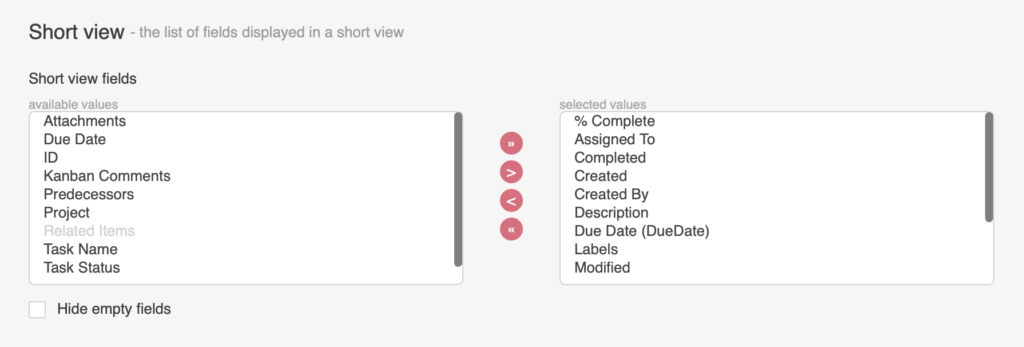
Short view
A short view is a group of fields that appear in the task pop-up window (also known as the tooltip). You can change the order of the fields in the full form by selecting a field and moving it up or down in the list using the arrows.
When you click on a task, the short view will appear. You can switch to the full view from here using the toggle. The full view displays the create/edit form for a task.