
Convert Date from UTC to Local Time
Previously documented as “Converts Date from UTC to Local Time”.
This activity converts the value of the current DateTime variable from Coordinated Universal Time (UTC) to local time in a specified time zone.

You can specify a custom time zone to improve accuracy in the time conversion.
This method does not change the original date value. Instead, it returns a new date whose value is the result of the conversion.
SharePoint Workflow Designer Phrase
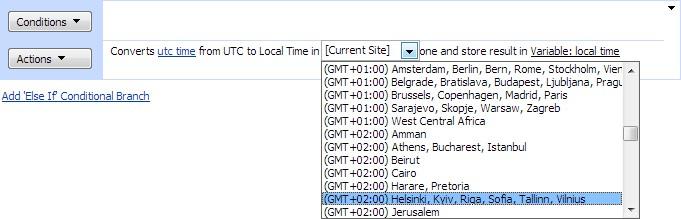
Convert utc time from UTC to the time zone in [Current Site] and store the result in utc_time.
Parameters
| Parameter | Description |
|---|---|
| utc_time | DateTime variable |
| [Current Site] | Optional. Time zone. The default value is the current site time zone, but you can select a custom time zone. |