Calendar Views
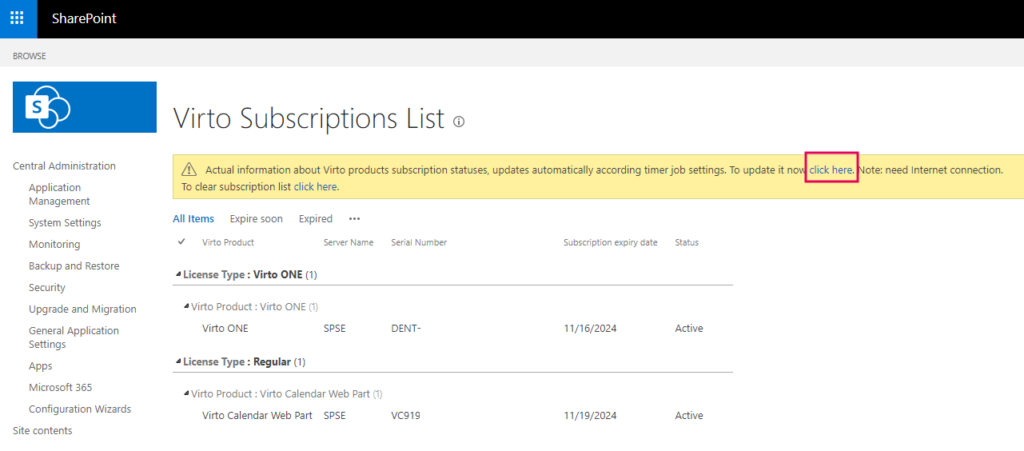
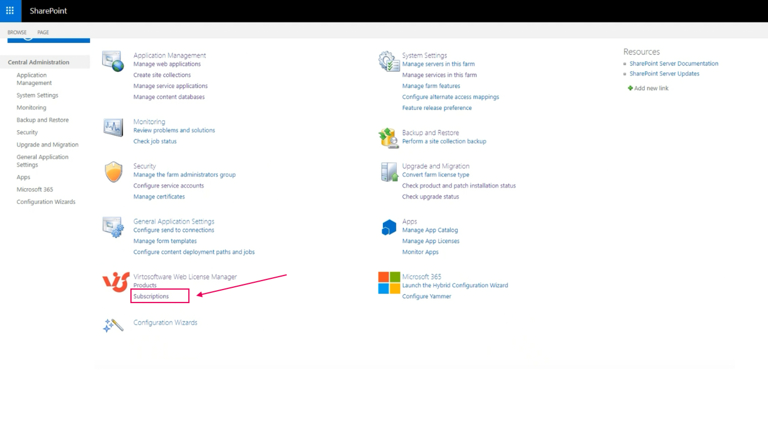
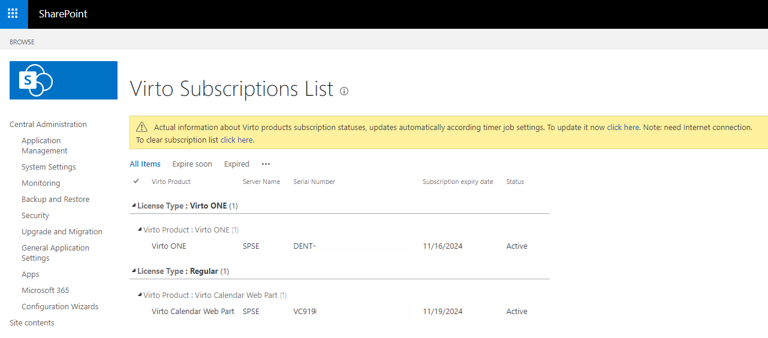
Click on “Subscriptions” to view all licenses of Virto products and their current subscription status.
If you have any questions or encounter any errors, please contact our support team at support@virtosoftware.com or through this form.
How to reniew a subscription or license
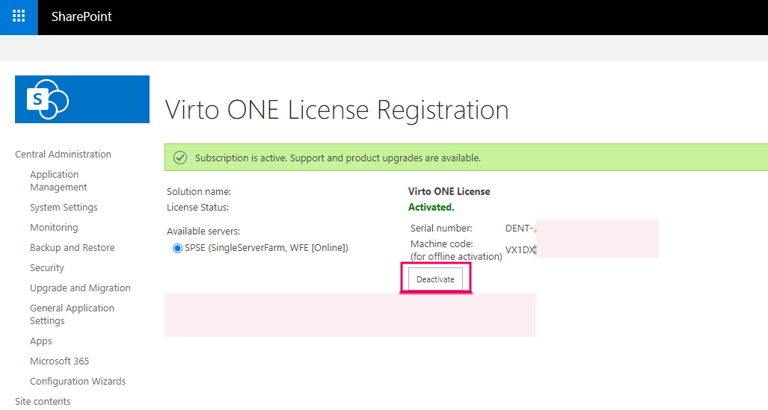
To renew your subscription, you should click the “Deactivate” button and request a new subscription key and/or serial number from our support team at support@virtosoftware.comor through this form. Then, follow the steps outlined in the instructions above that apply to your situation.
If the renewed subscription doesn’t appear instantly with a new subscription expiry date, don’t worry—it will show up after some time. You can also update manually by clicking “click here” on the yellow bar and waiting for a minute. If it still doesn’t appear, please contact our support team at support@virtosoftware.com or through this form.