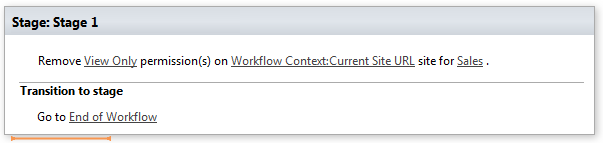
Remove permissions from site
This activity removes permission assignment from site. SharePoint Designer phrase
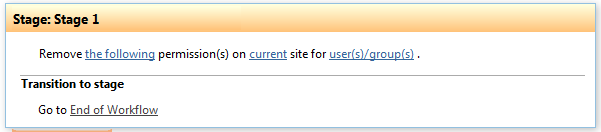
Parameters
Input parameters
| Parameter | Description | Example |
|---|---|---|
| The following | Permission level string. Multi permission assignments are supported. Use ‘,’ or ‘;’ separator to grant several permission.Example: | Approve, Read, View Only. |
| Current site | The URL of a source SharePoint site. If the value field is empty, current sitewill be used. | https://contoso/SiteUrl; https://contoso/Sites/SiteUrl;[%Workflow Context:Current Site URL%]/subSite |
| User(s)/group(s) | User login, e-mail, groupname, group ID | “user@domain”, “domain\user”. It allows multiplevalues separated by a semicolon. |
Example