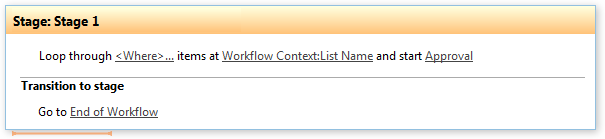
Loop through list items and start workflow
This activity finds list by url and allows looping through list items and staring workflow for multiple list items.
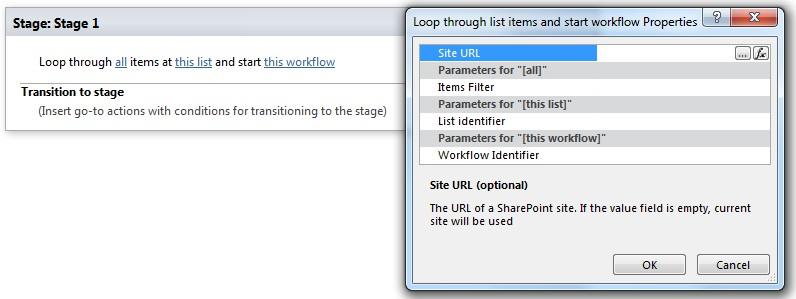
Parameters
| Parameter | Description | Example |
|---|---|---|
| All (optional) | List item filter. The filter string supports View Name, View ID and CAML string (<Where>...</Where>).Empty filter returns all items. | http://mysharepoint/MyDocs/Shared%20Documents |
| this list | List identifier. The value could be list name, guid or list url (the web site relative url). If the value field is empty, current list will beused. | [%Variable:ItemID%], Current Item:ID |
| This workflow | Name of existing workflow to run | Name of existing workflow to run |
| SiteURL (optional) | The URL of a SharePoint site. If the value field isempty, current site will be used. | https://contoso/SiteUrl; https://contoso/Sites/SiteUrl;[%Workflow Context:Current Site URL%]/subSite |
Example