
Contact us
View as Markdown
Ask AI

Open this page in an AI assistant with a ready-made prompt.

Opens a third-party service and shares a pre-filled prompt containing this public page URL, its product documentation URL and /llms.txt. No VirtoSoftware account or tenant data is included. Provider terms and privacy policies apply. Verify answers against the linked documentation.

OpenAI terms · OpenAI privacy policy · Anthropic terms · Anthropic privacy policy

Timescales

Choose the appropriate timescale using dropdown menu: “Hours”, “Quarter Days”, “Days”, “Weeks”, “Thirds of Months”, “Months”, “Quarters”, “Half Years”.
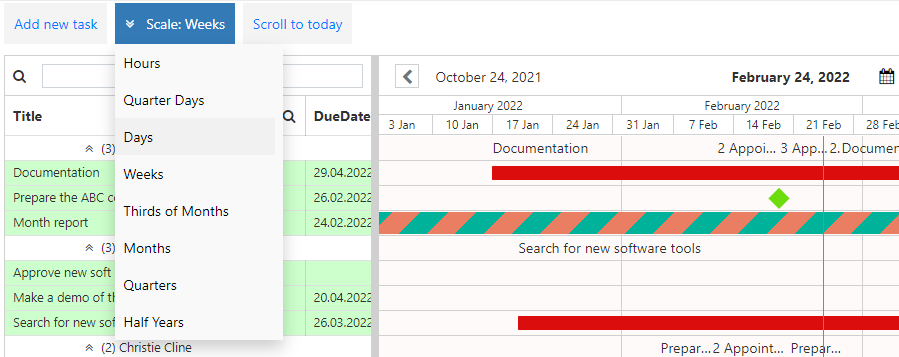
Timescale dropdown in Virto Resource Manager listing Hours, Days, Weeks, Months and more

Use navigation arrows to switch back and forward in the chosen timeline.
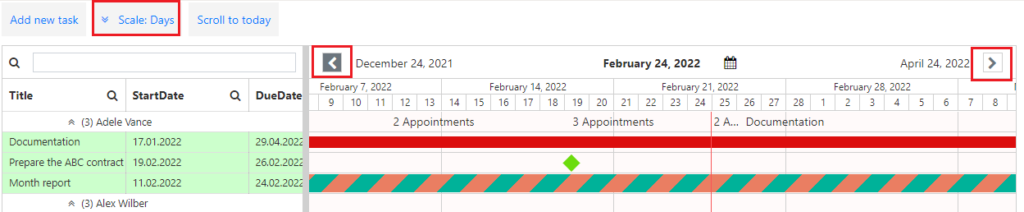
Navigation arrows used to move back and forward along the Gantt chart timeline

Or choose the date in the date picker to see the tasks planned for it.
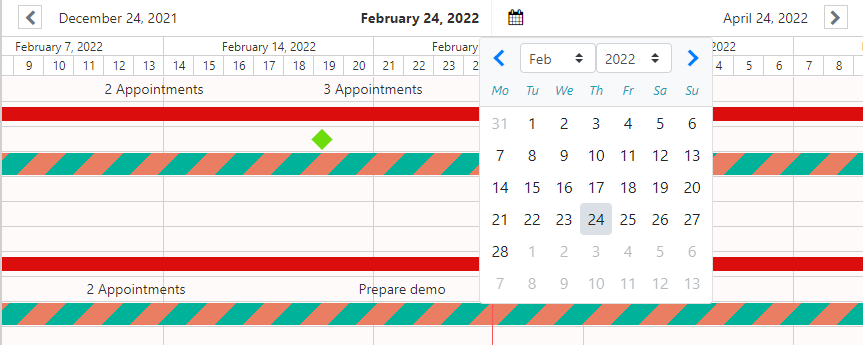
Date picker in Virto Resource Manager for jumping to tasks planned on a chosen date

Virto Resource Manager app supports scrolling with mouse wheel in the Gantt chart, which is equivalent to arrow click on the scrollbar.

Updated on August 12, 2026