
Exchange group calendar settings
To open these settings, go to General > Exchange Settings, click “Display events from resource calendars,” and then click the gear icon to the right of the desired calendar.
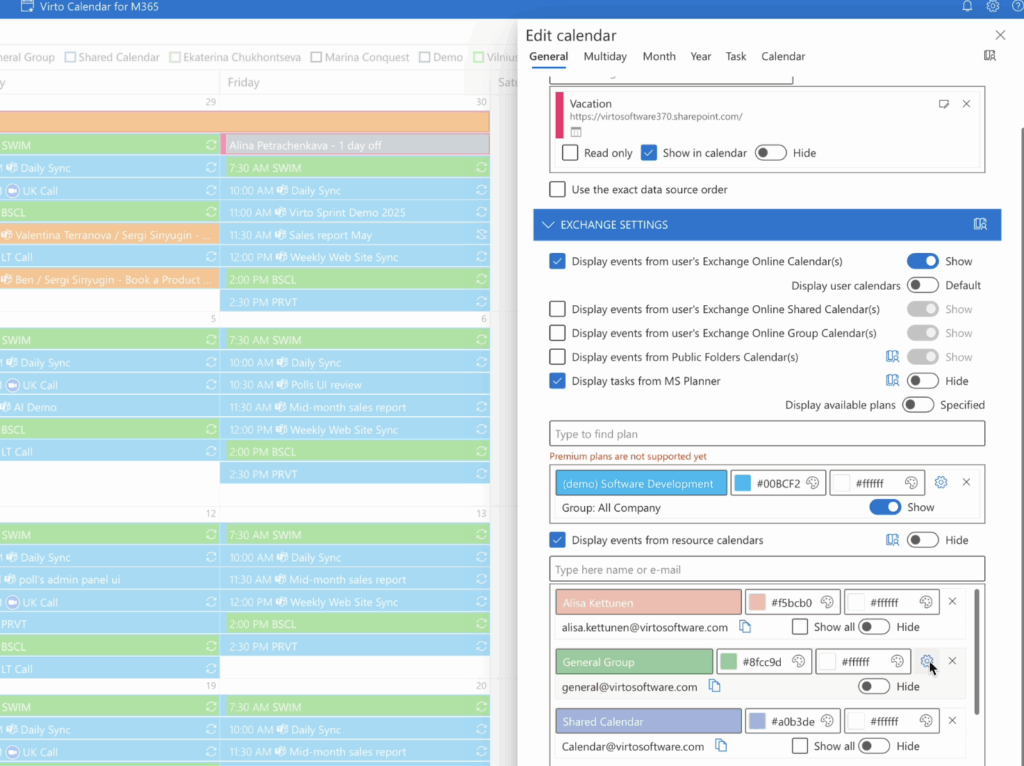
In these settings, you can manage permissions for calendar members and categories.
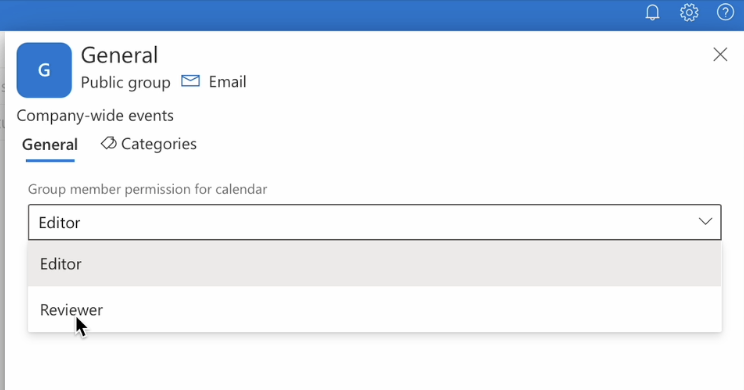
You can assign members as either editors or reviewers.
These settings apply at the Virto Calendar App level.
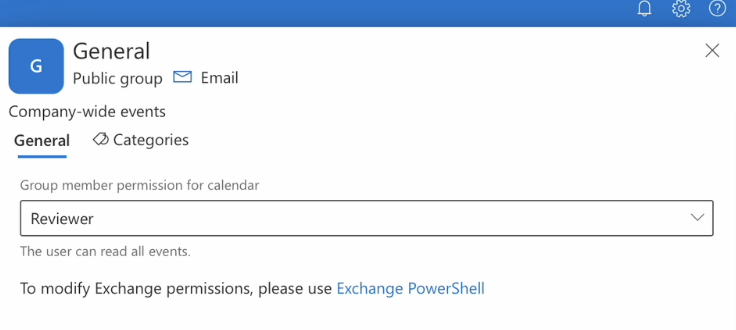
To set permissions at the Exchange group level, click “Exchange PowerShell” and have your administrator perform the changes.
To manage categories of a group calendar, click “Create category” and choose its color and name. To delete a category, click the bin icon to the right of the category.

