Kanban authorization
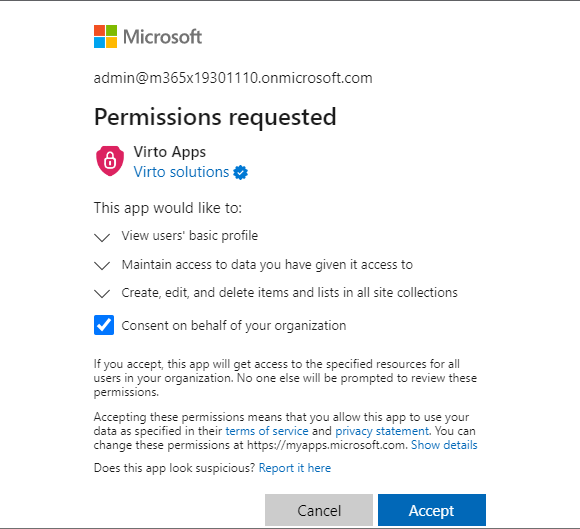
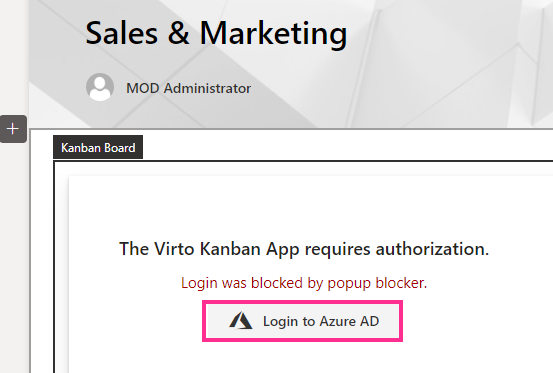
If you see the permissions request once you have installed the Virto Kanban Board App, click “Login to Azure AD.”
Click the checkbox for “Consent on behalf of your organization” and then click “Accept.” If you do not have administrator rights, ask your tenant administrator to complete this step.