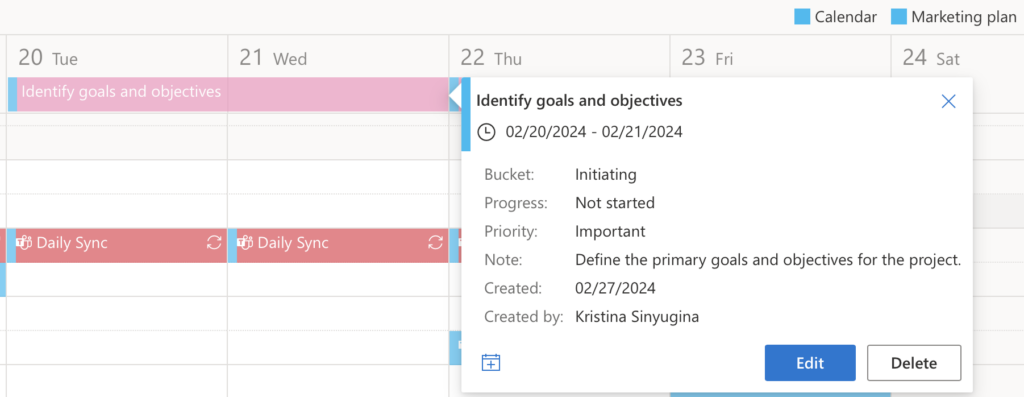
Microsoft Planner
Virto Calendar App supports adding tasks from Microsoft Planner to your Virto calendar for efficient collaboration and team planning.
To achieve this, navigate to the Virto Calendar App settings by clicking on the calendar name.

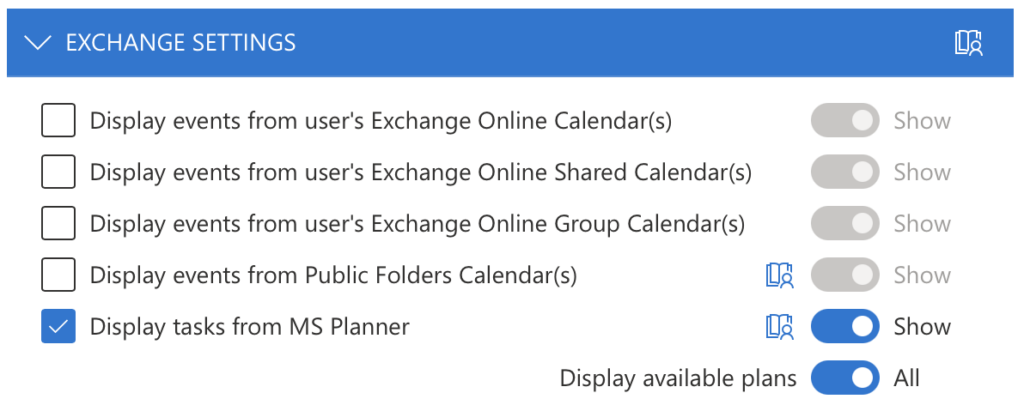
In Edit calendar, Scroll down to “Exchange settings” and check the box “Display tasks from MS Planner.”
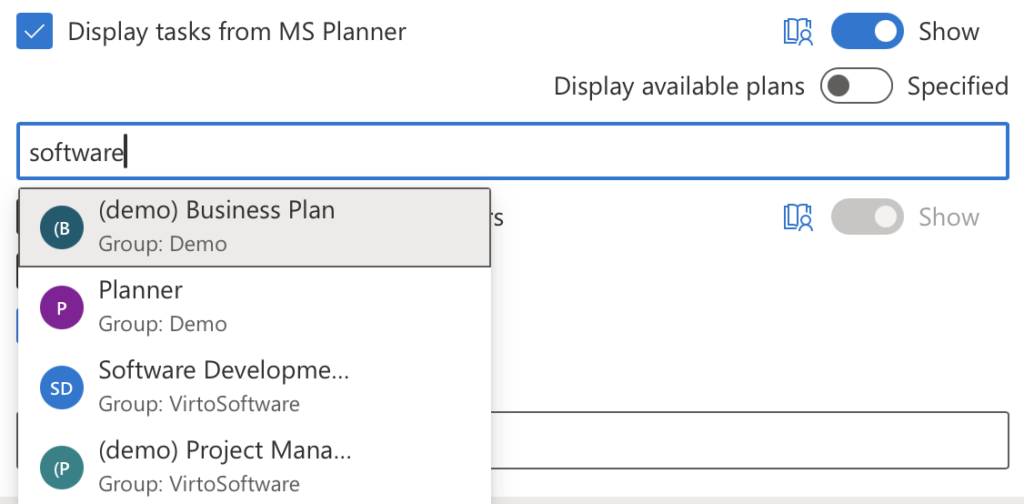
To view a specific planner, choose “Specified” in “Display available plans” and use the search bar to find a planner.
Remember to save the calendar settings. Now, you can see your Planner tasks in your Virto calendar without switching between the apps.