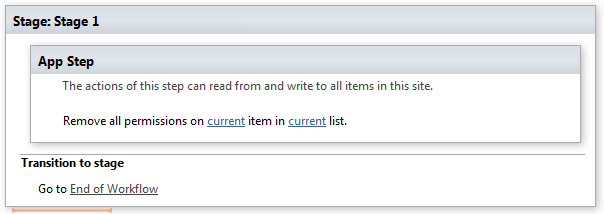
Remove all permissions from list item
This activity removes all permission assignment from list item, breaking list permission inheritance if necessary. SharePoint Designer phrase
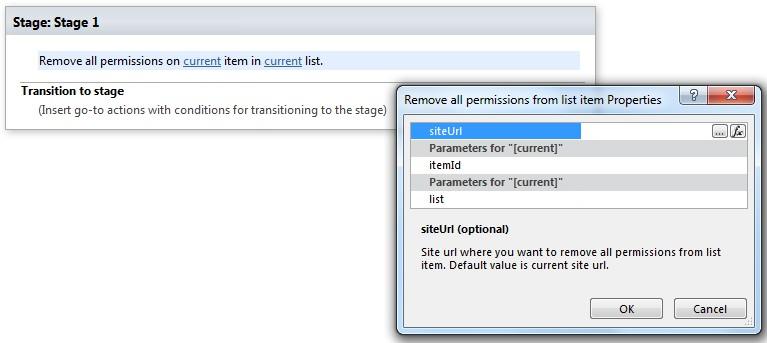
Parameters
Input parameters
| Parameter | Description | Example |
|---|---|---|
| Current item | Item ID. If the value field is empty, current item ID will be used. | [%Variable:ItemID%], Current Item:ID |
| Current list | Title or Url of chosen list. If the value field is empty, current list will be used. | Tasks[%Workflow Context:List Name%]/Lists/ Tasks |
| SiteURL (optional) | The URL of a source SharePoint site. If the value field is empty, current sitewill be used. | https://contoso/SiteUrl; https://contoso/Sites/SiteUrl;[%Workflow Context:Current Site URL%]/subSite |
Example
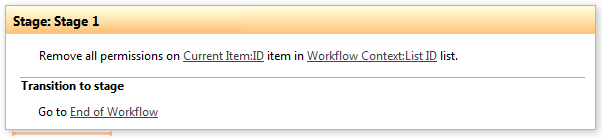
**Note:**We recommend you to run all Virto Permissions actions inside App Step to avoid failing of your subsequent actions inside the workflow.
Example