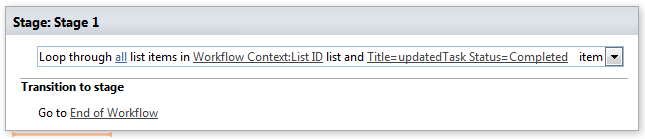
Loop through list items and update list items
This activity allows looping through list items and updating multiple list item fields.
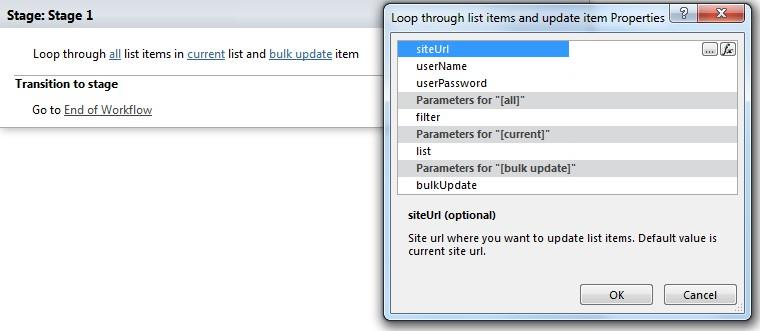
Parameters
Input parameters
| Parameter | Description | Example |
|---|---|---|
| All (optional) | List view id (or name) or caml query (<View><Query><Where> …</Where> </Query></View>) for getting list item(s). | <View><Query><Where><Contains><FieldRef Name='Title' /><Value Type='Text'>test</Value></Contains></Where></Query></View> |
| Current list (optional) | List id (guid) or name where you want to get list item url. Default value is current workflow context list. | [%Workflow Context: List ID%] |
| Bulk update | Bulk update for list item. FieldName = FieldValue splitted by Enter key. Use <%FieldName%> in the right part of equation to reference list item value for the field. | Description=Test Description Start Date=2010-12-10T12:30:00Published=1 Choice=My Choice #3 Lookup=12;# |
| Site URLs (optional) | The URLs of a SharePoint site where you want to update list item. If the value field is empty, current site will beused. | https://contoso/SiteUrl; https://contoso/Sites/SiteUrl; [%Workflow Context:Current Site URL%]subSite |
| User name (optional) | User login name who you want the workflow must be run under | |
| User password (optional) | User password who you wantthe workflow must be run under |
Example