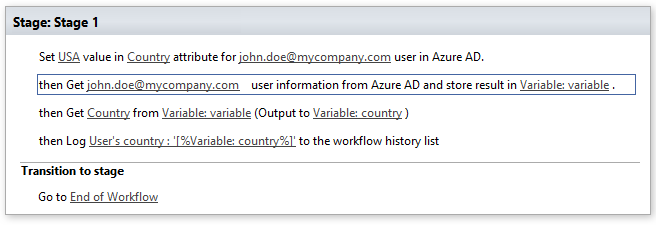
Set Azure AD user attribute
This activity allows setting user’s attribute in Azure Active Directory.
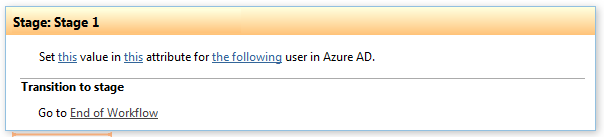
Parameters
Input parameters
| Parameter | Description | Example |
|---|---|---|
| Site URL | Optional. Site URL where you want to run the workflow. Default value is current site URL. | https://contoso/SiteUrl; https://contoso/Sites/SiteUrl;[%Workflow Context:Current Site URL%]/subSite |
| This value | Attribute value which you want to set. | John, Doe |
| This attribute | Attribute name which you want to update. | Givenname, Surname |
| User | User e-mail or login name | john.doe@mycompany.onmicrosoft.com, Jane.doe@mycompany.com |
Example