
Board history
The board history icon is located in the top right corner. This feature allows you to track task history and view all changes made to the current board.
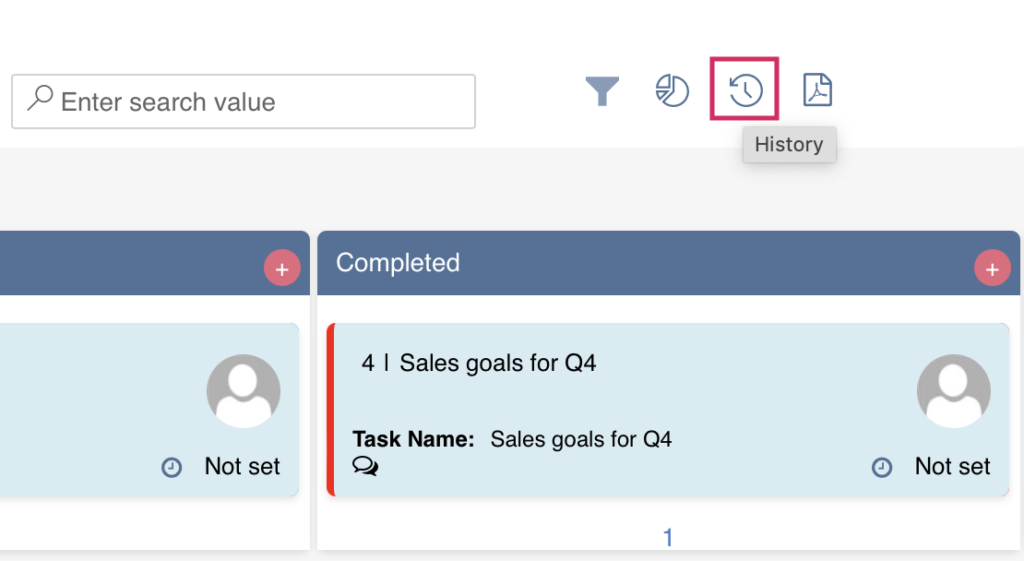
Ensure that the Item Version History option is enabled in the list versioning settings.
You can apply filters to view specific changes.
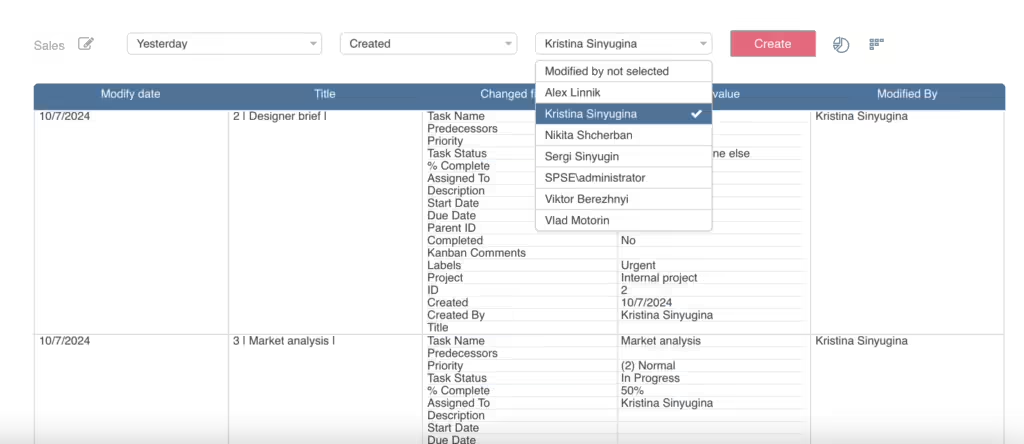
Note that attachment changes and pictures are not displayed in the task or board history.