First start
Click on Office 365 Resource Manager icon to open the app.
You will be redirected to a page with Resource Manager overview and 2 buttons to create a first chart.

Note*: the first user who added a chart gets the Administrator permission for this app. See more in the* “Users” section.
The “Create demo chart” button automatically adds a new resource and creates a chart, which will be used as default chart until you set another chart as default.
When you add Virto Resource Manager app to a page, this demo chart will be displayed unless you select another one. See more in the “Adding App to a SharePoint site” section.
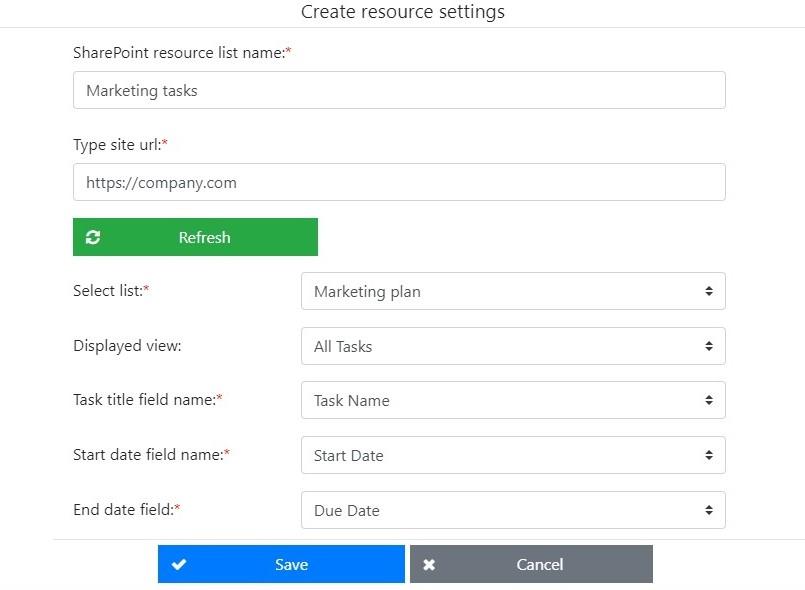
“Create first chart” button starts the creation of a new resource. See more in the “Create a new resource” section.