
Filters
The following filtering options are available for Kanban Board: search, sorting, and more specific condition filters.
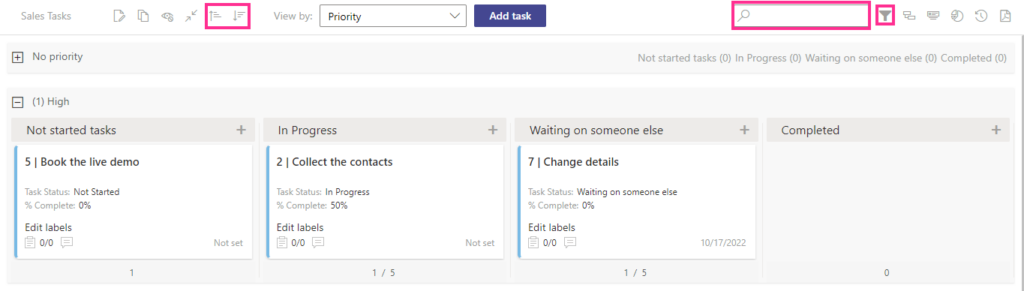
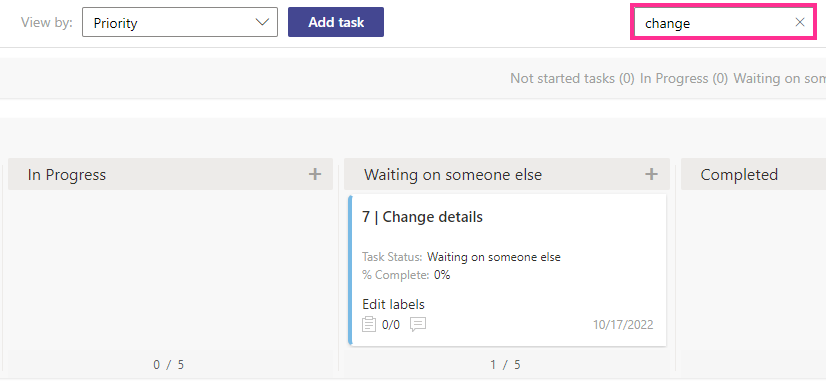
The search bar allows you to show only tasks matching any entered task values (text, numbers, and symbols) displayed on cards.
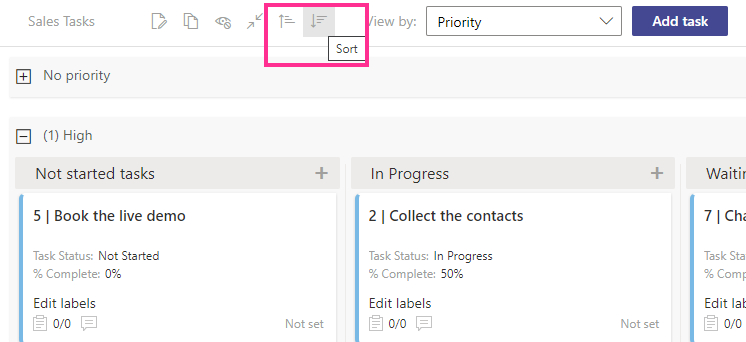
If you enable task sorting according to a specified field in the settings block, you can apply this filter on the Kanban board header to sort tasks in ascending and descending order according to the selected field.
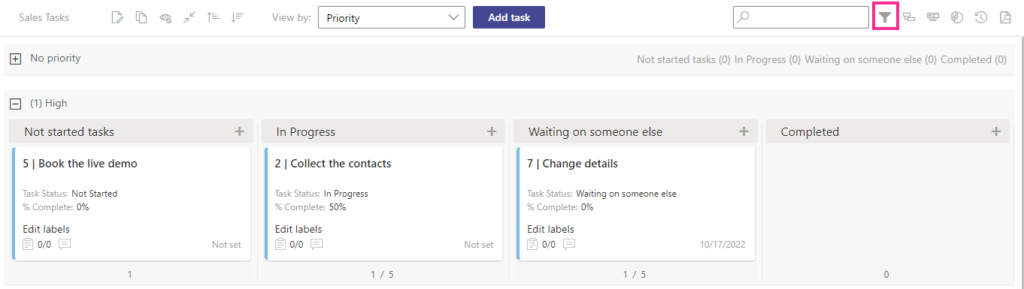
Click the filter icon in the upper-right corner to open filters.
Select the required list view from the drop-down menu to filter tasks on the board. This option is available only if the view filter is adjusted in the settings.
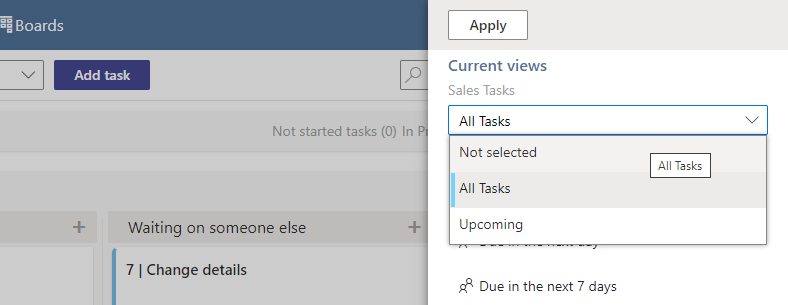
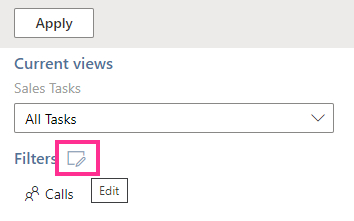
You can use custom condition filters created in the app settings (in the “Advanced Setup” block) or create a new filter from the board view using the edit button next to “Filters.”
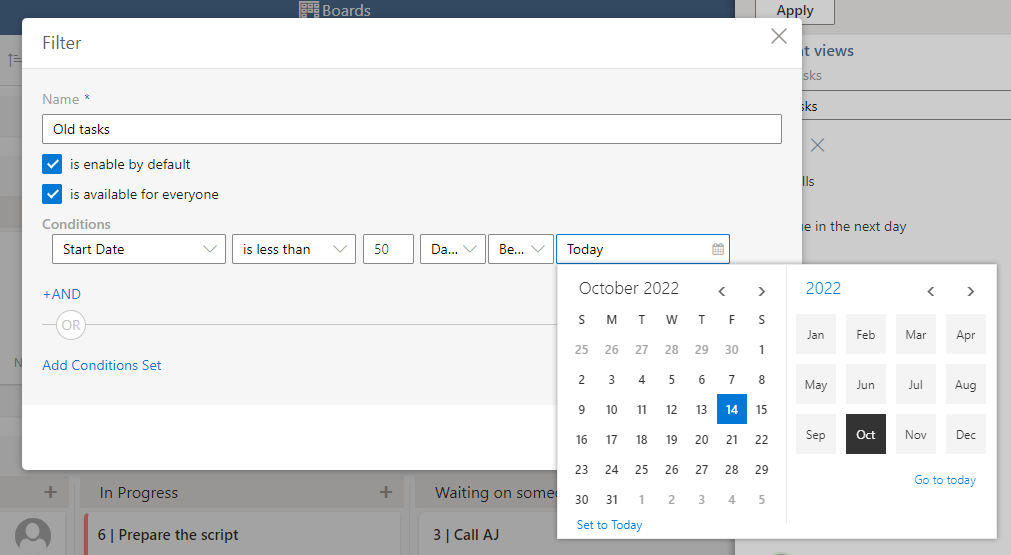
Define the filter parameters according to your needs.
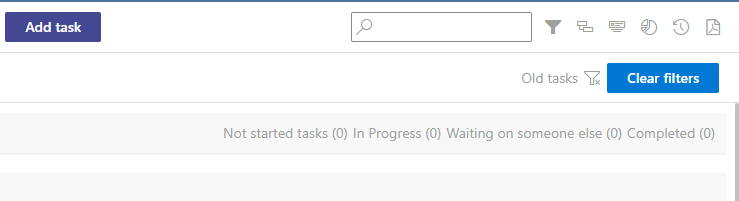
Use the “Clear filters” button to clear your applied filters.
It is possible to enable this new filter by default. If you tick the “is enabled by default” checkbox, all users will see the filter. If you do not enable this option, the filter will be saved as a personal filter and available only to its creator.
If you have multiple lists on the board, this filter allows you to sort tasks by the list they belong to and other conditions.
You can filter tasks by board members or use the list filter to see the assigned tasks.
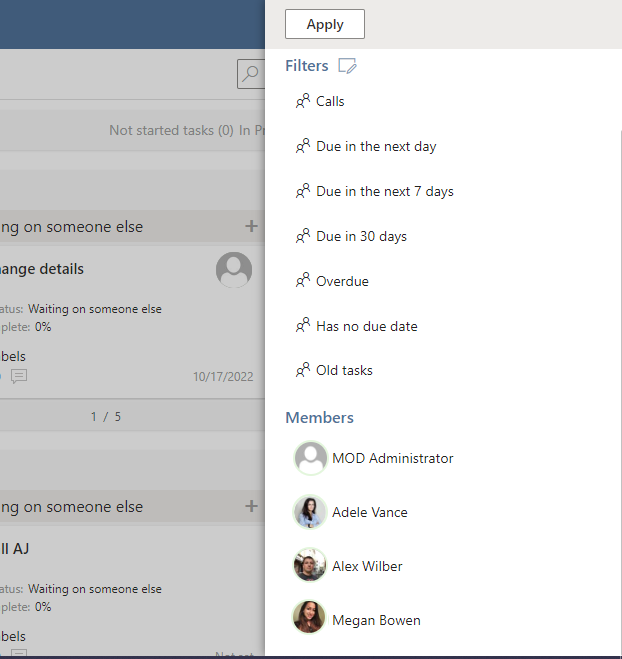
The filters selected from the menu use AND condition, and filters by user use OR condition.