
SharePoint List web service
This data source type is not included in every Virto Calendar edition: see Editions and data sources.
Read Only
Virto Calendar allows users to select “SharePoint List Web Service” as a data source. The data source is read-only and is used to view events from other SharePoint farms.
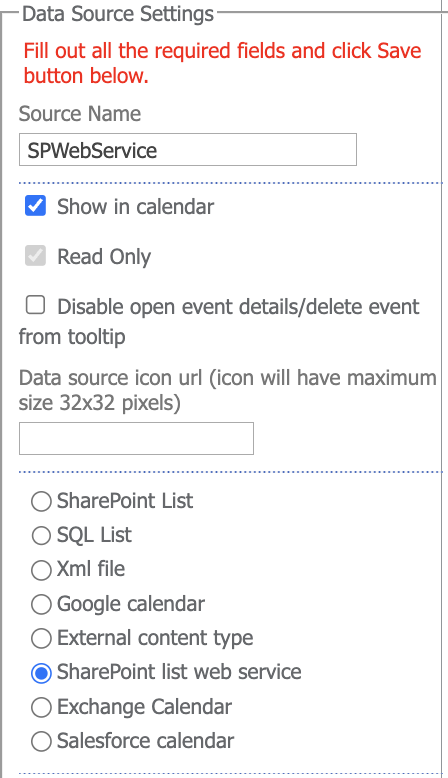
Go to the data source settings and create a new data source. You need to define the data as follows:
- Site URL
- Authentication type
- Login data (if the “Authenticate as currently logged on user” checkbox is not selected)
Click “Test connection.” If the data is correct and the connection is set, select the required list from the dropdown menu and define the displayed column and date/time fields. Click “Save” to save the new data source.