
Styles
You can specify your task cards’ body color, border color, and font color. Virto Kanban Board App provides default styles, but you can also create your own custom styles.
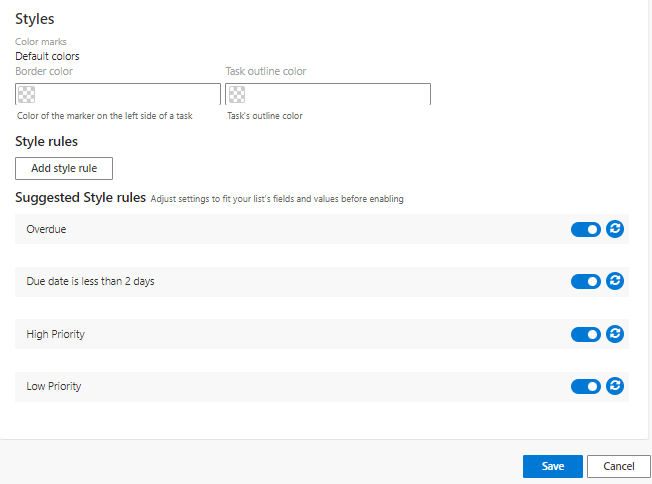
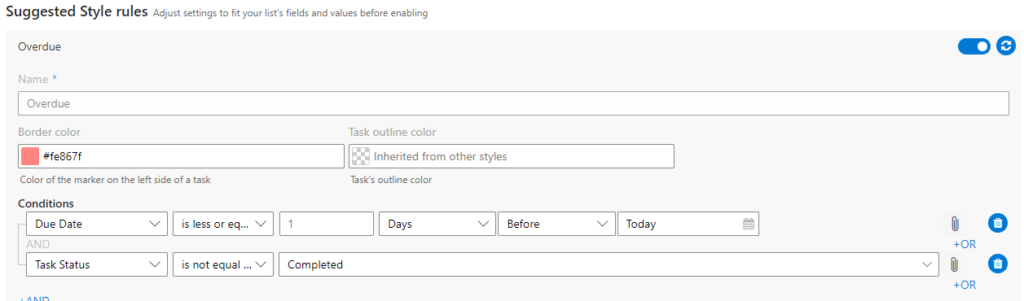
You can set custom conditions and color-code tasks according to condition rules. There are four suggested style rules already set up for you. You can deactivate or adjust these style rules (use the reset button to apply the new rule).
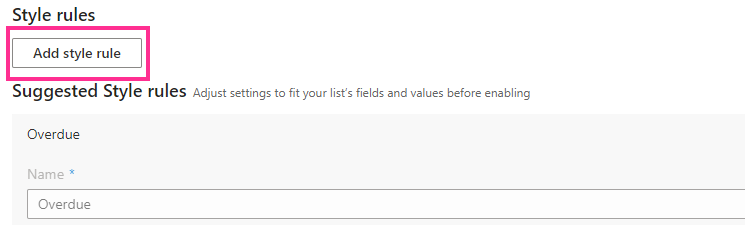
To create a new condition, click “Add style rule.”
If you create multiple style rules and a task matches more than one rule, only the first rule will be applied. You can drag and drop rules to change the priority order.