
Field values change tracking
You can add to message some list field, which values will be sent in the created alert.
Click on the “Add field value” button in email body and choose required values for tracking in the created alert.
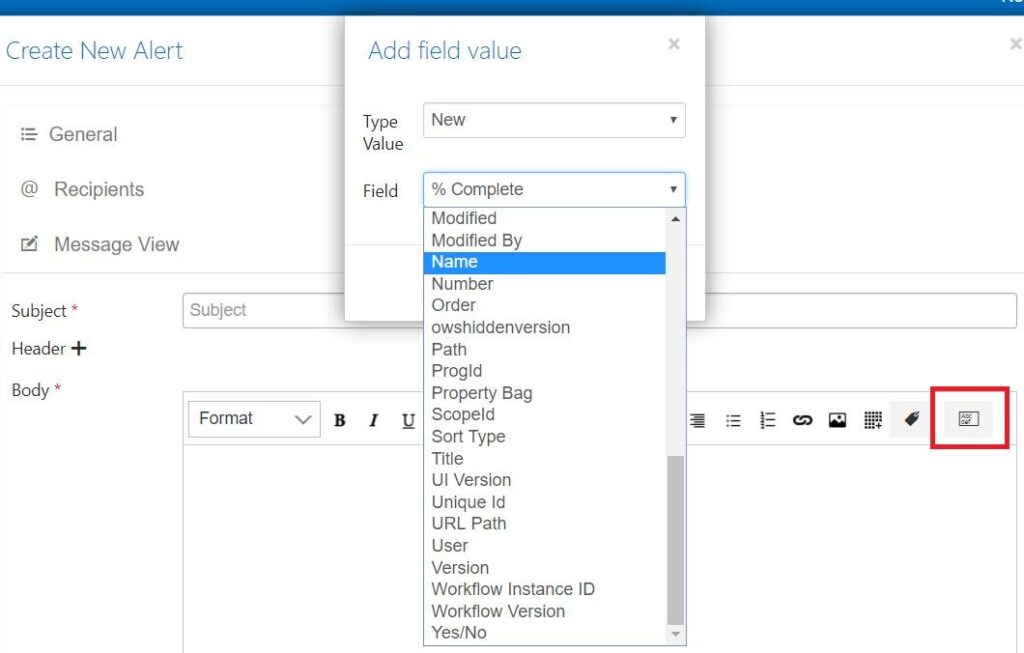
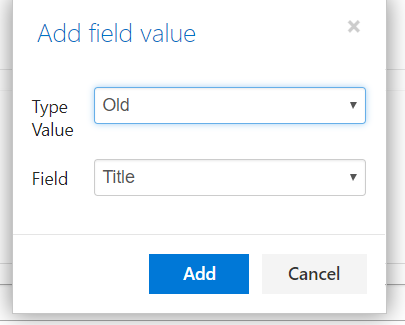
In the following example, we will track “Title” field changes.
Choose “Old” or “New” value type for tracking and select a list field for created alert.
Add some text, and the email body will look like follows:
