
Error “Sorry apps are turned off”: What to Do
If you are trying to install the web part on SharePoint 2019 server and got below error while Adding it to your site:
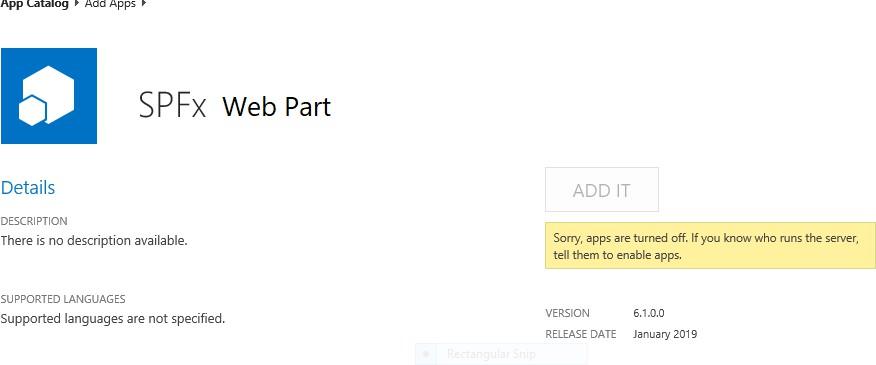
Sorry, apps are turned off. If you know who runs the server, tell them to enable apps. Possible Reasons and Solutions
| Reason | Solution |
|---|---|
| Apps are not enabled in your farm | Make sure your have Apps enabled in your SharePoint 2019 farm. |
| Subscription service is not setup | The first and most probably problem would be the subscription service is not configured in your farm. Please configure it. |
| App management service is not associated with your web application | Make sure App Management Service Application is associated with your web application where you want to add the SPFx web part. |
| App Url is not configured | If you have not configured the App Urls. please ensure you have given values to App Domain and App Prefix in your App Store settings. |
If after ensuring above solutions, you still have the same error, please register a ticket to let our technicians analyze the problem.