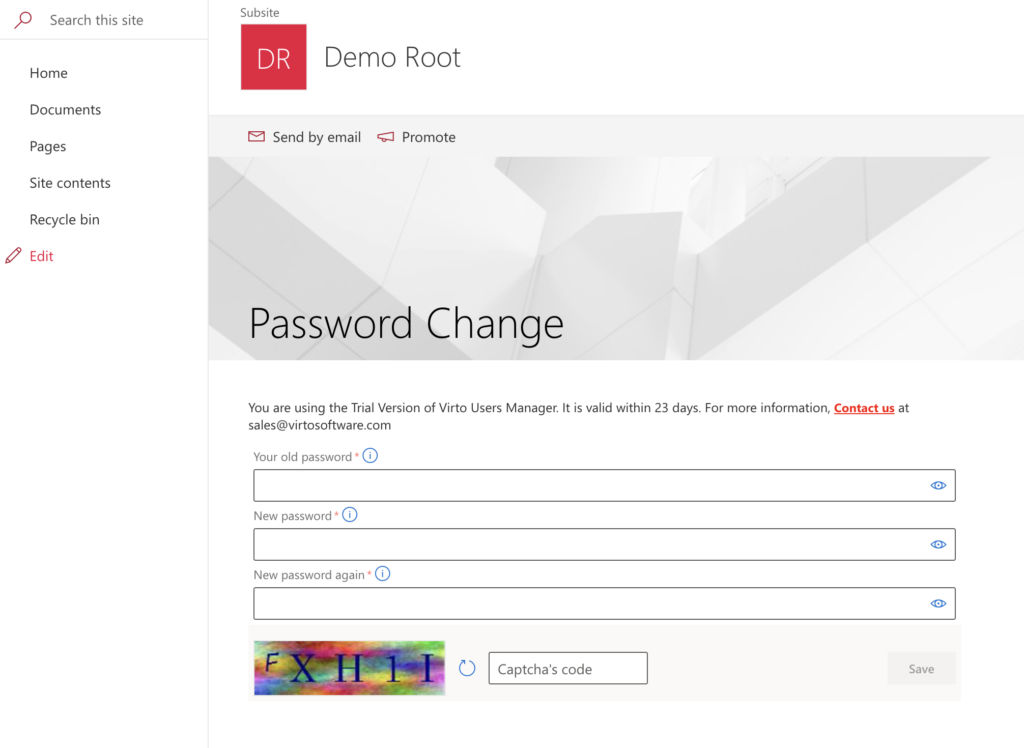
Adding a web part to a modern page
Make sure the app Virto User Manager is added to the site (Site contents). See System requirements and installation.
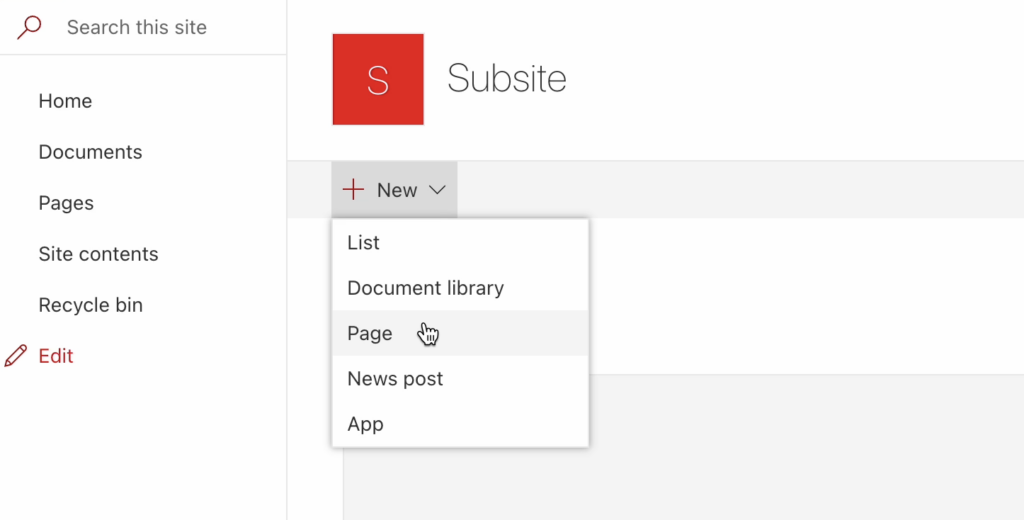
Then create a page where you want to add your web part.
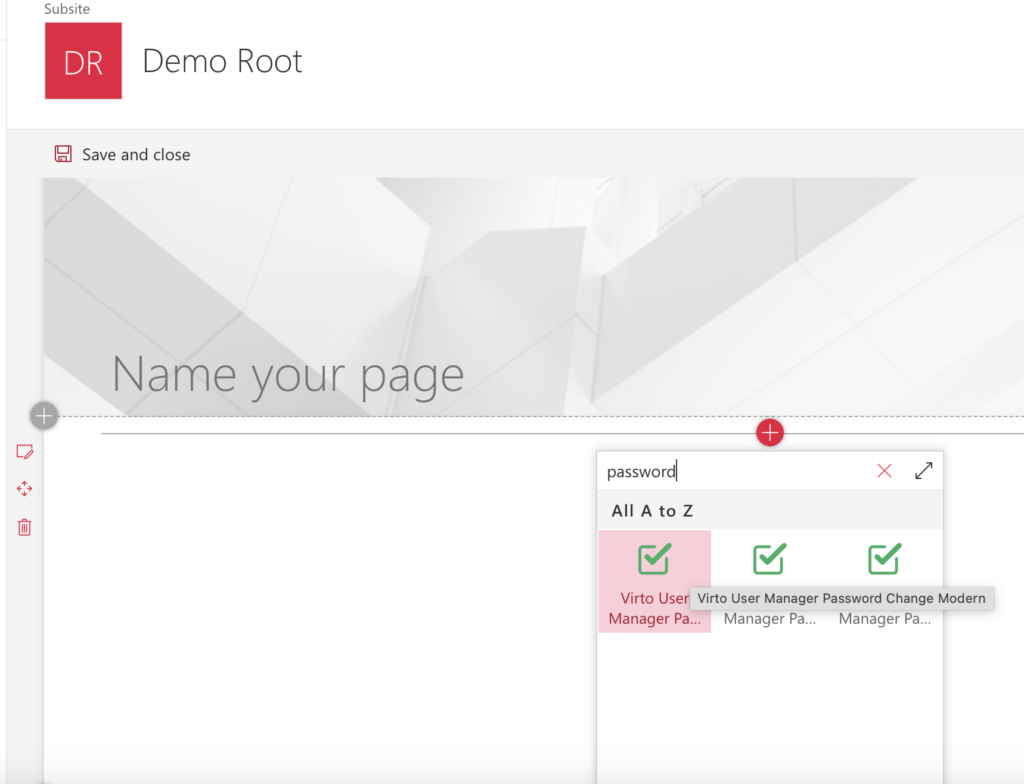
Edit the page, click + and choose a web part from the Virto Solutions group: Virto User New, Virto User Edit, Virto User Copy, Virto Password Change or Virto Password Expired.
Until a fieldset is chosen, the web part shows “Configuration is not set for this Web Part”.

Give your page a name, then click the pencil icon (Edit web part) to open its settings.
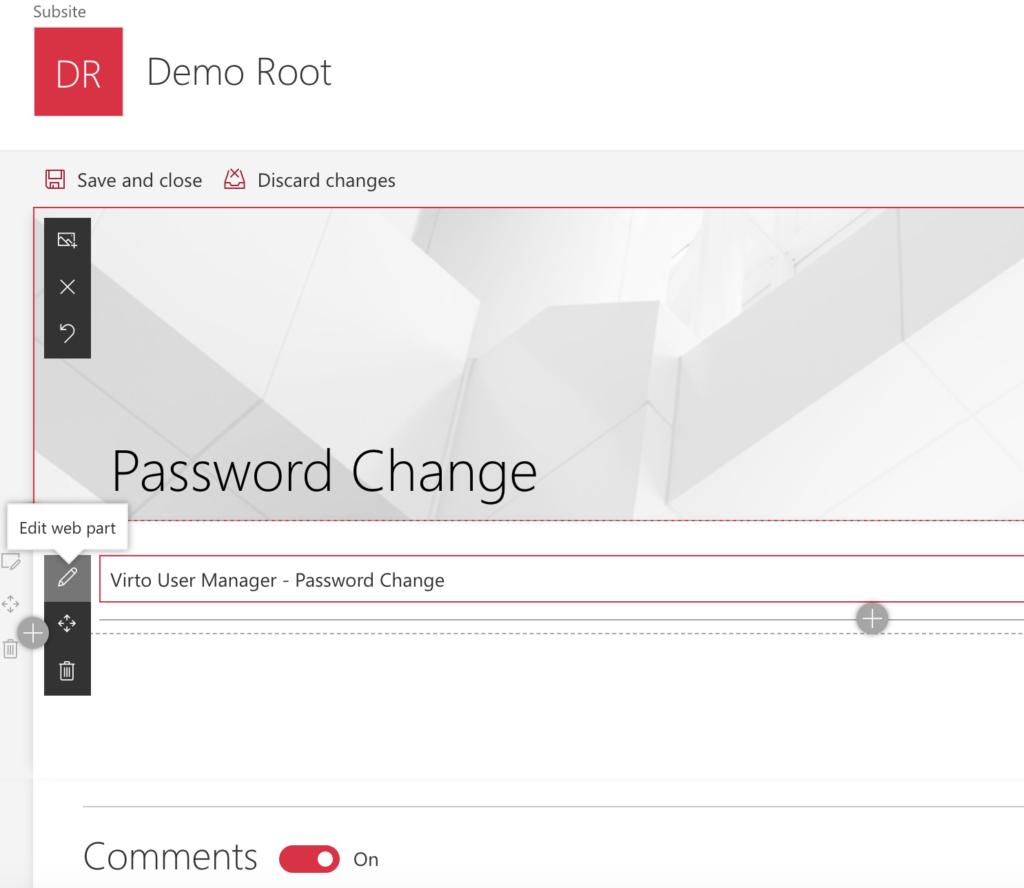
Click Configure WebPart.
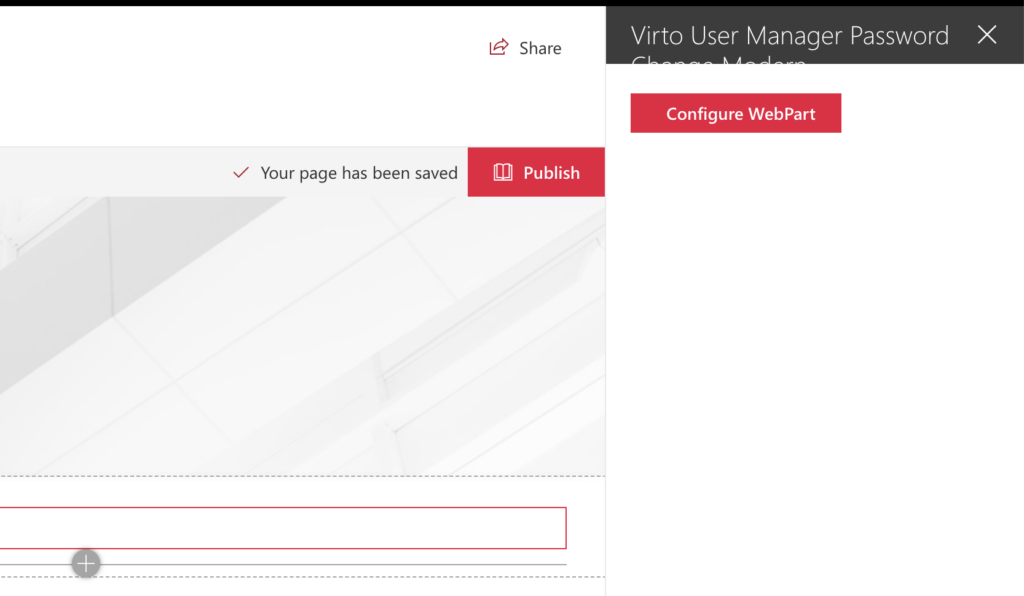
In Fieldset Configuration, choose the fieldset in Choose fieldset and click Save. Choose a fieldset made for this web part: the list shows all fieldsets. For details on how to configure a fieldset, see the Settings section of this documentation.

Finally, click Publish.
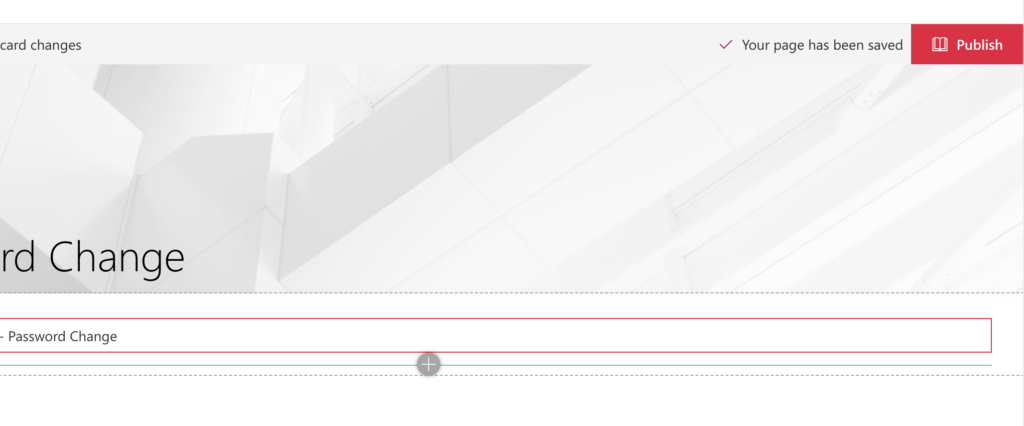
Your web part is now ready to use.