New User Web Part
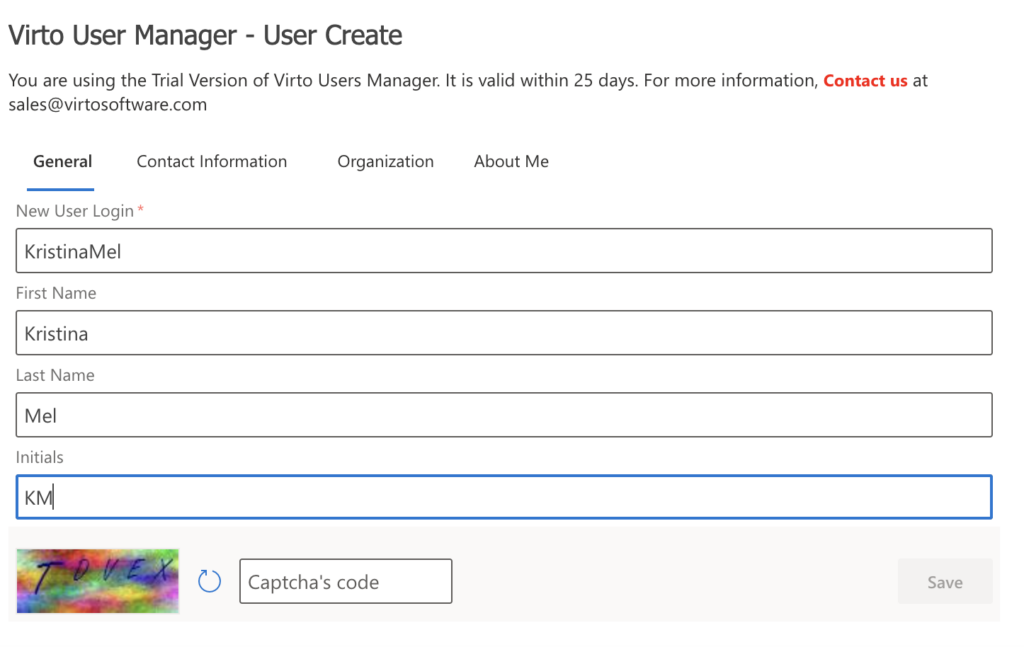
Enter general information of a new user in the corresponding fields.
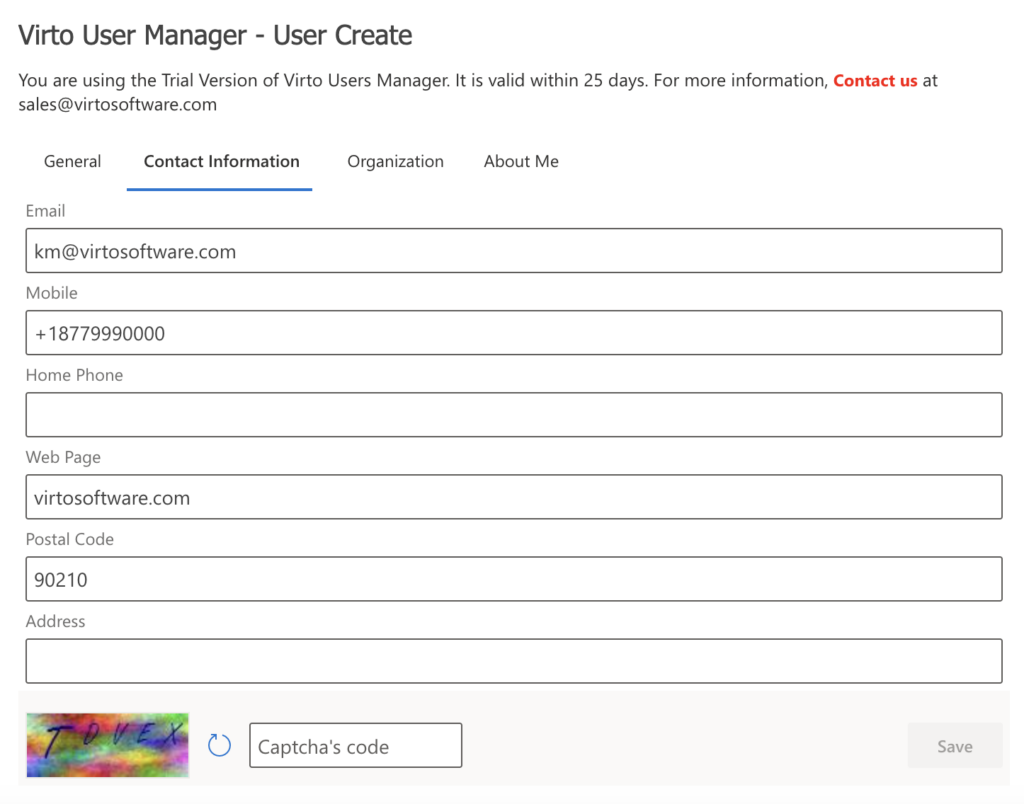
Enter user’s contact information in the corresponding fields.
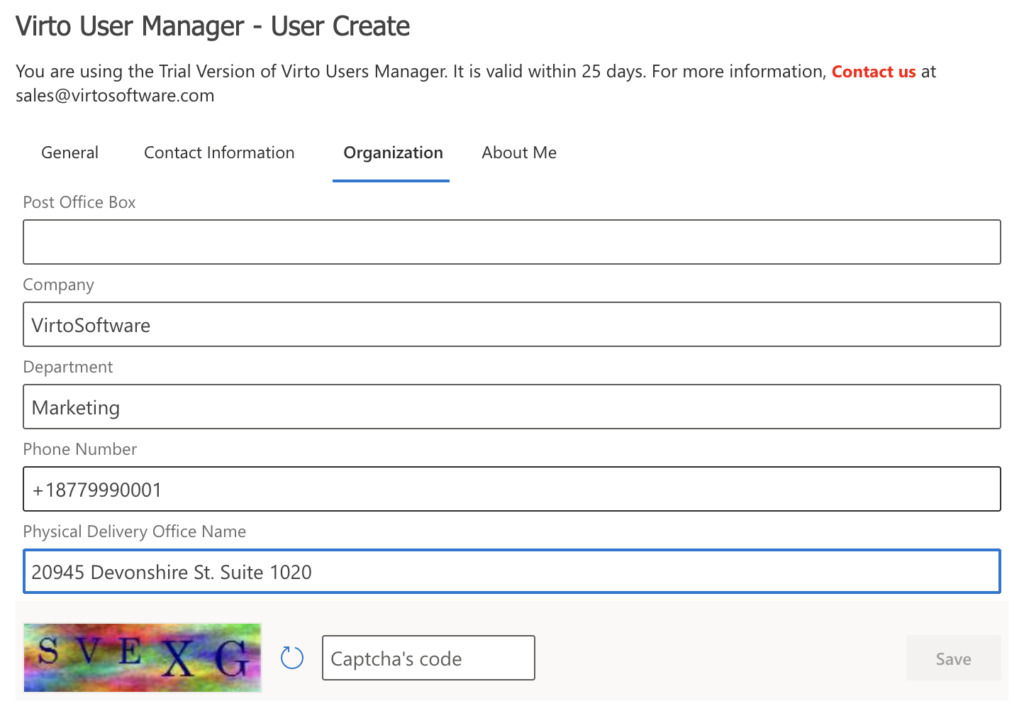
Enter user’s organization information in the corresponding fields.
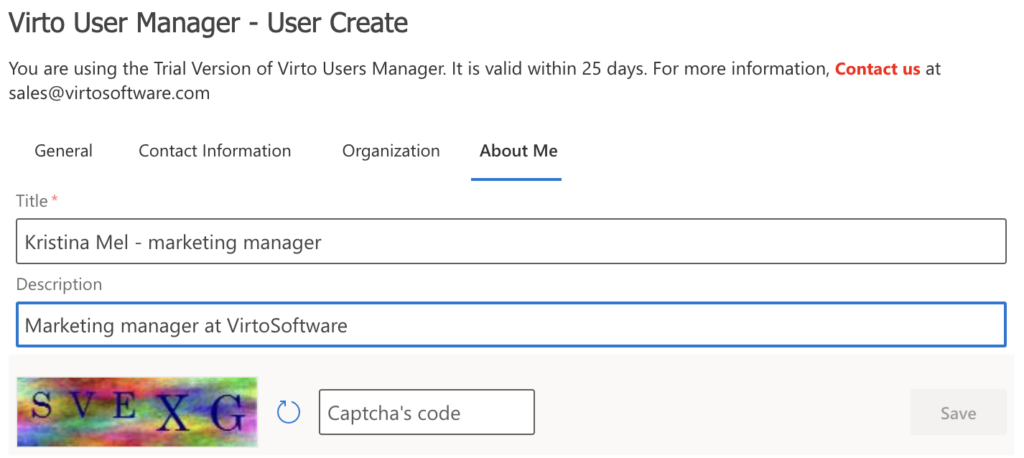
Enter user’s information in the corresponding fields. Pay attention to the required fields marked with * and complete the captcha if your administrator has enabled this option. Then click Save.
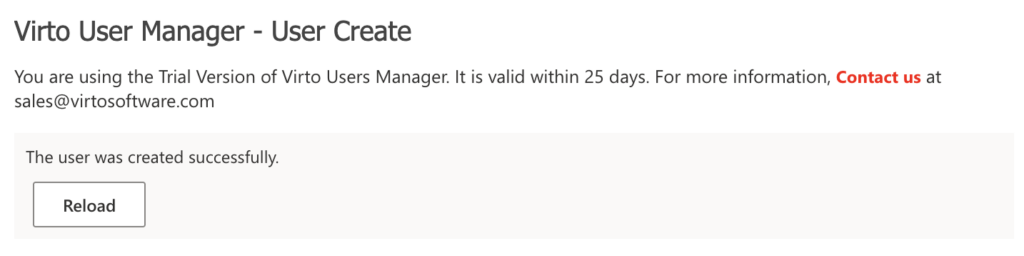
In case of a successful user creation, you will see a confirmation: