
Copy User Web Part
Enter your general information in the corresponding fields. Make sure to fill in all required fields marked with an asterisk (*) and complete the CAPTCHA if enabled by your administrator.
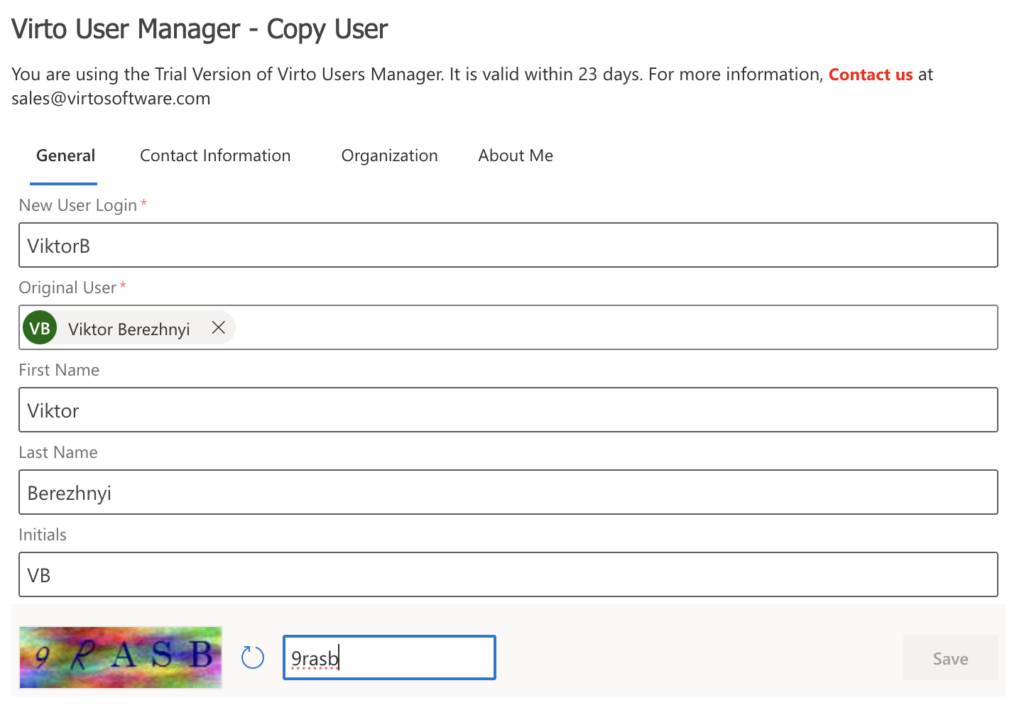
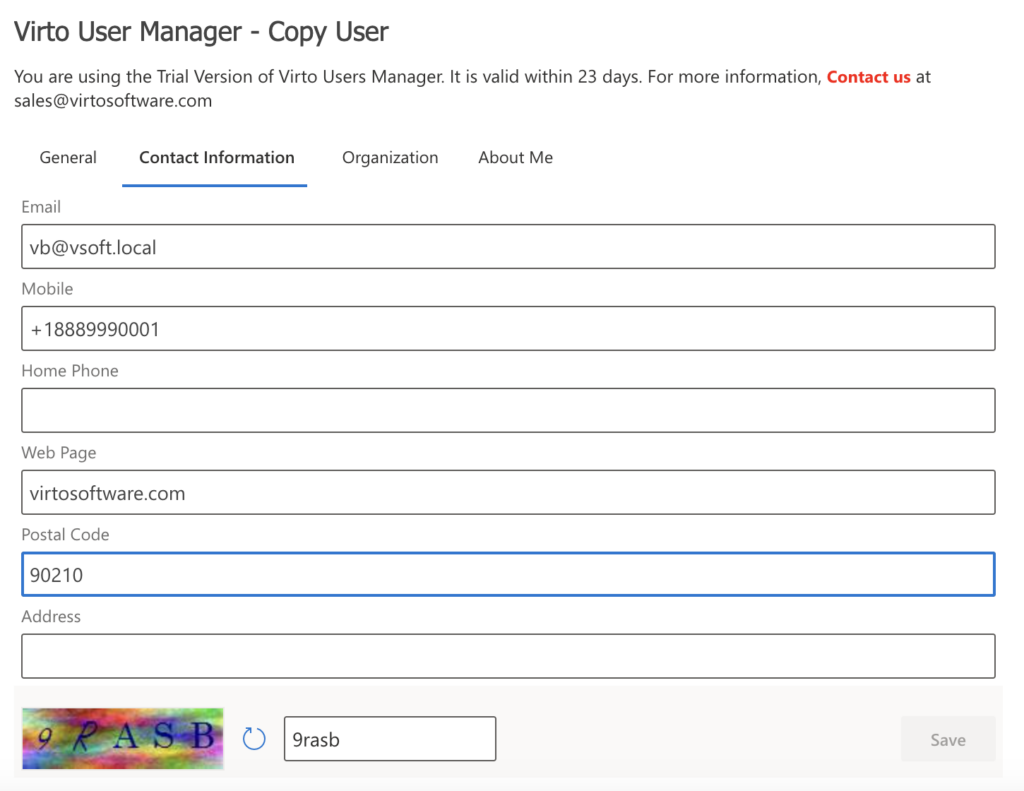
Enter your contact information in the corresponding fields.
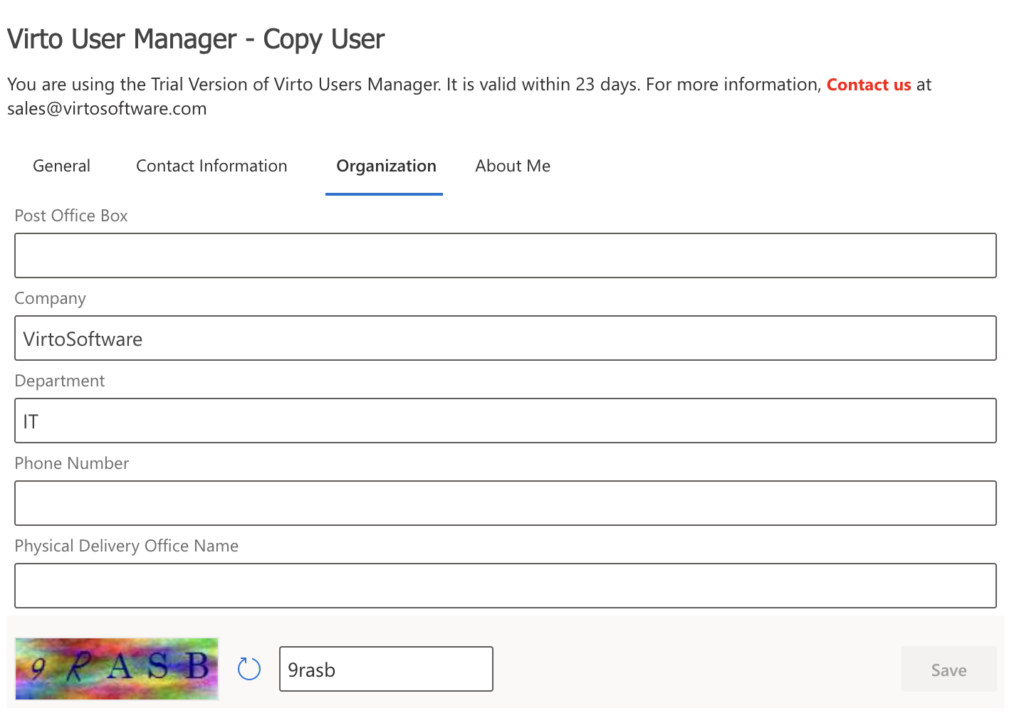
Enter your organization information in the corresponding fields.
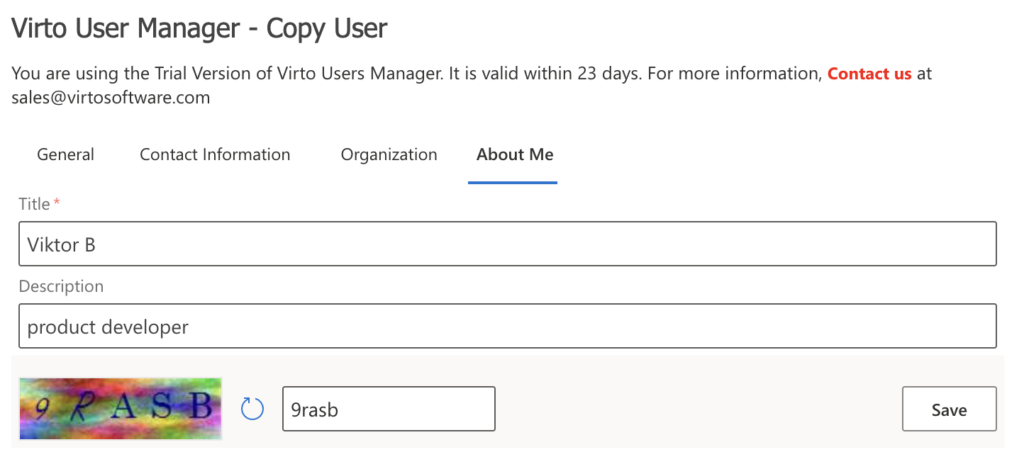
Enter your personal information in the corresponding fields, then click Save.
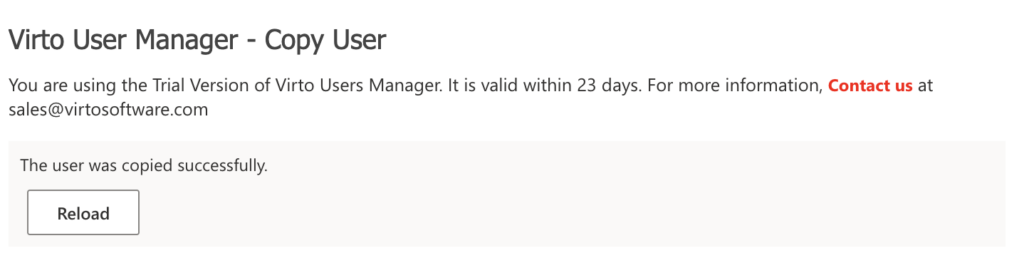
If the user copy is successful, a confirmation message will appear.
Admin can view the copied user in the domain controller.