
Edit User Web Part
The form shows your current details. Change them in the corresponding fields. The fields and tabs depend on the fieldset chosen for the web part, so your form can differ from the screenshots on this page.

Enter your contact information in the corresponding fields.
Enter your organization information in the corresponding fields.
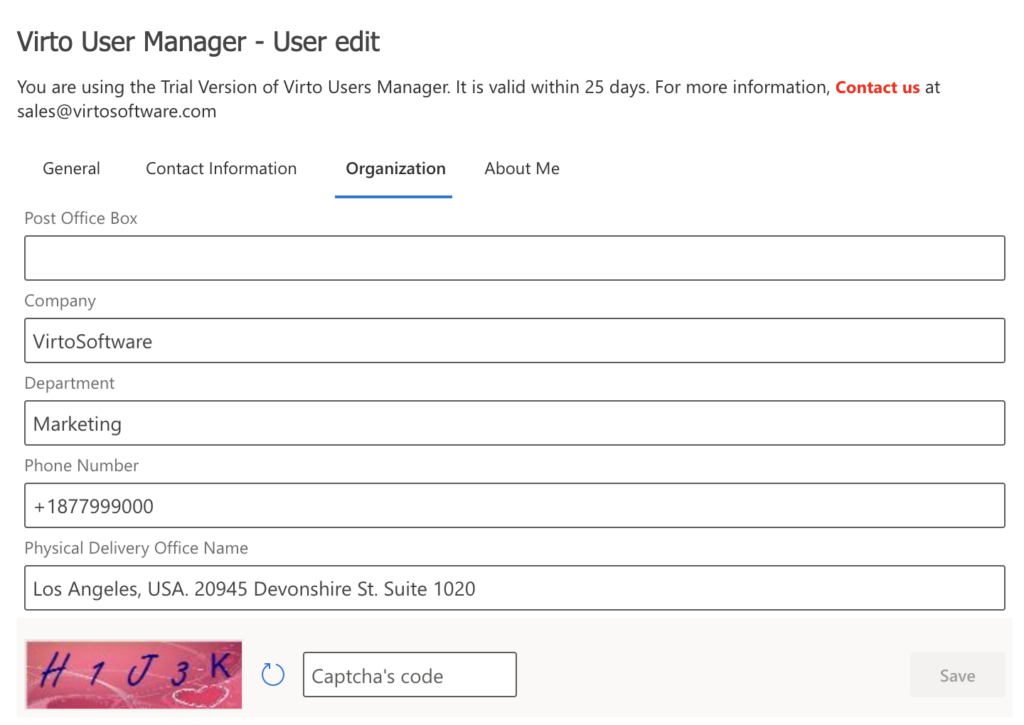
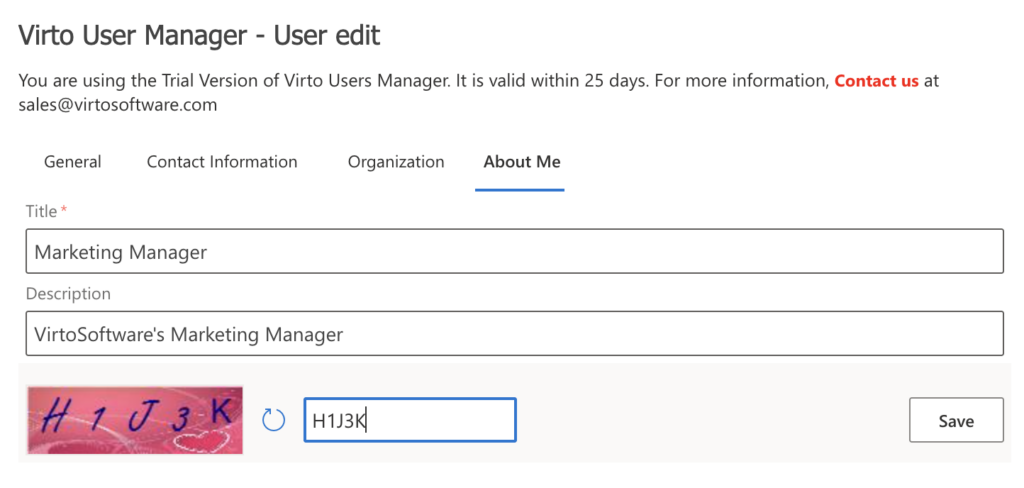
Enter your information in the corresponding fields. Pay attention to the required fields marked with * and complete the captcha if your administrator has enabled this option. Then click Save.
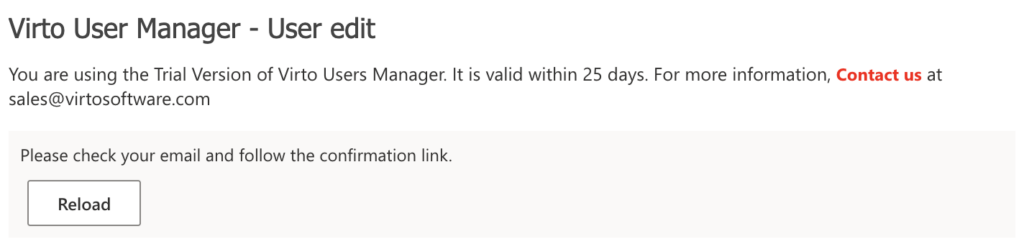
If the administrator turned on e-mail confirmation, you receive an e-mail; the change is applied after you follow the link. The link works once, for 24 hours, and only for the user who started the change.
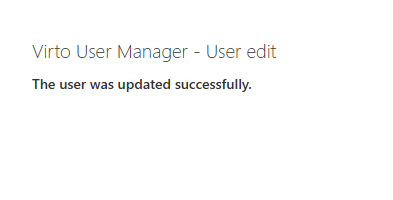
In case of a successful user data update, you will see a confirmation:
If Active Directory rejects the change, the reason is shown above the form, and the form stays filled in so you can correct it.