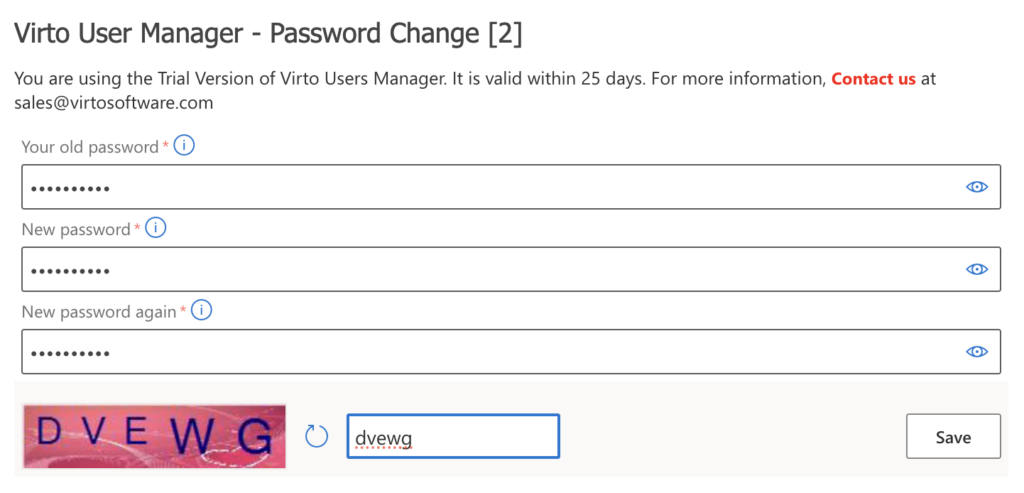
To change your password, type your current password in the first field, and your new password in the second and third fields. Don’t forget to complete the captcha, if your administrator has enabled this setting. Then click Save.
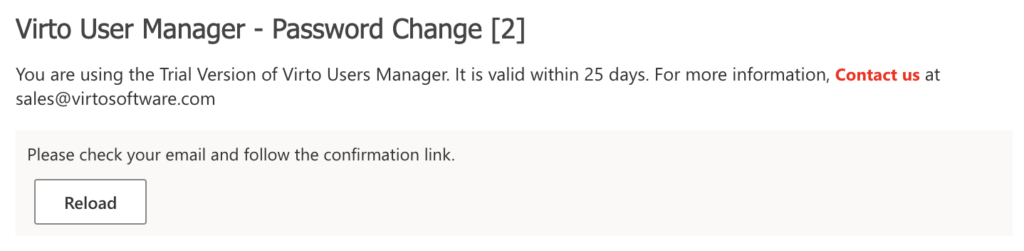
After saving, you will see the message: “Please check your email and follow the confirmation link.”
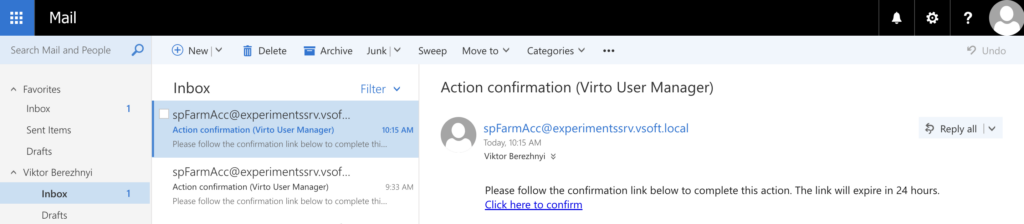
Check your email and look for the “Action confirmation” message. Click the link in it to confirm the password change.
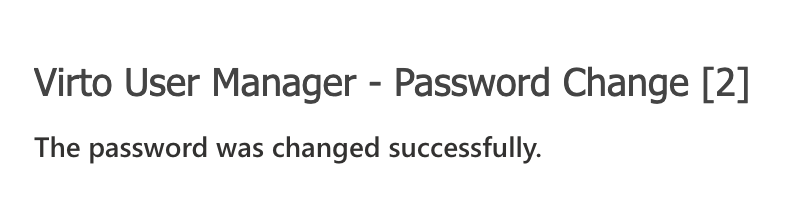
The link will open the Password Change web part with the message: “The password was changed successfully.”