Activating Activities Kit
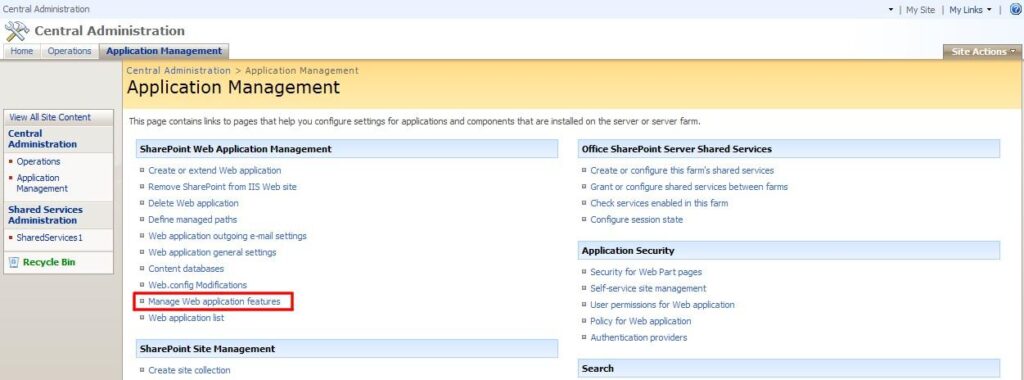
When the installation process is complete, go to the SharePoint site and find “Central Administration - Application Management - Manage Web Application Features”.
Activate the feature for desired web applications (usually it’s SharePoint - 80 or SharePoint - 443).
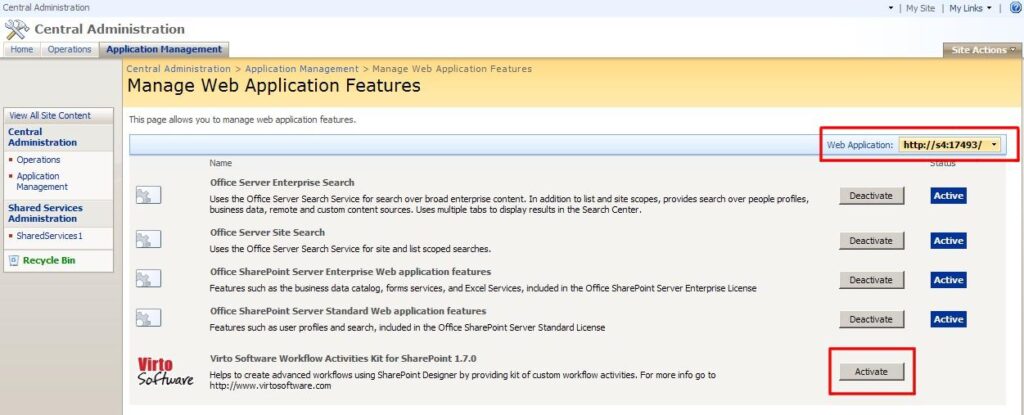
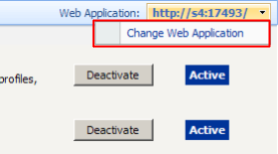
Note: make sure that you selected the web application on which the web part is installed. If not, select the required Web Application using “Change Web Application” button.