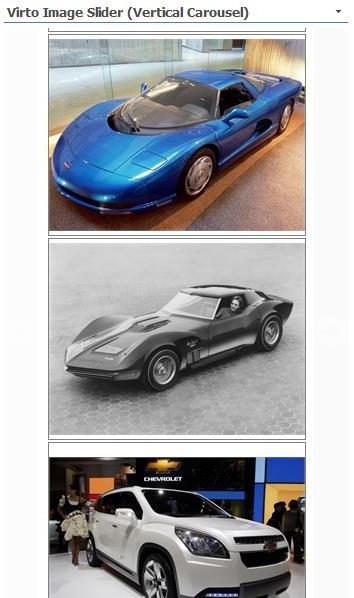
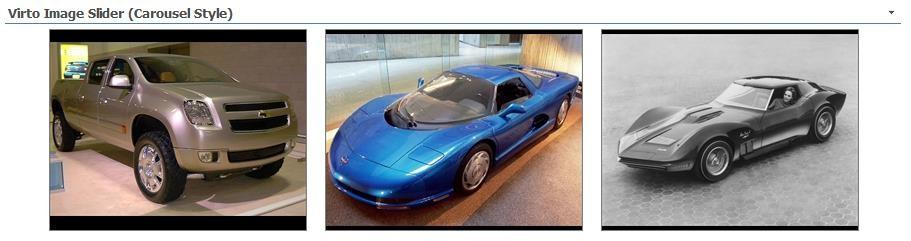
Carousel Engine
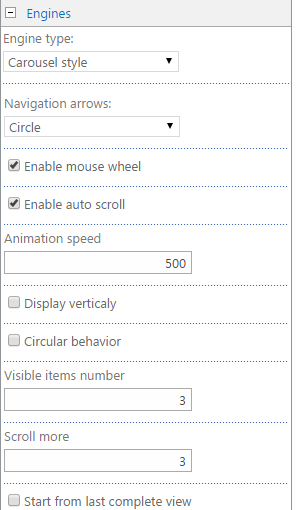
To apply Carousel engine, select if from the list. Then define type of navigation arrows, check the boxes “Enable mouse wheel” and “Enable auto scroll”. Define animation speed, check the boxes “Display vertically” and “Circular behavior” if you need. Then click “OK” or “Apply” to save the settings.
Depending on the settings image slider will look as follows.