
Working with Edit
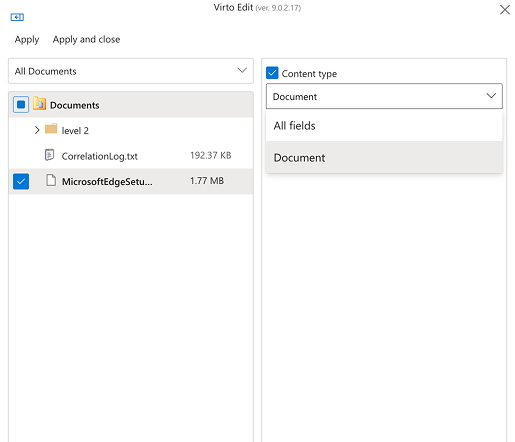
When using the Edit function, you can choose how the form handles content types:
- All fields: Shows every available field, regardless of content type. Choose this for maximum flexibility and deep customization.
- Document: Limits the form to fields for the Document content type (typically Title, Name, Lookup, Modified date, and Created date).
If you want to erase data in a chosen field, simply click the checkbox for that field and leave the corresponding text field empty.