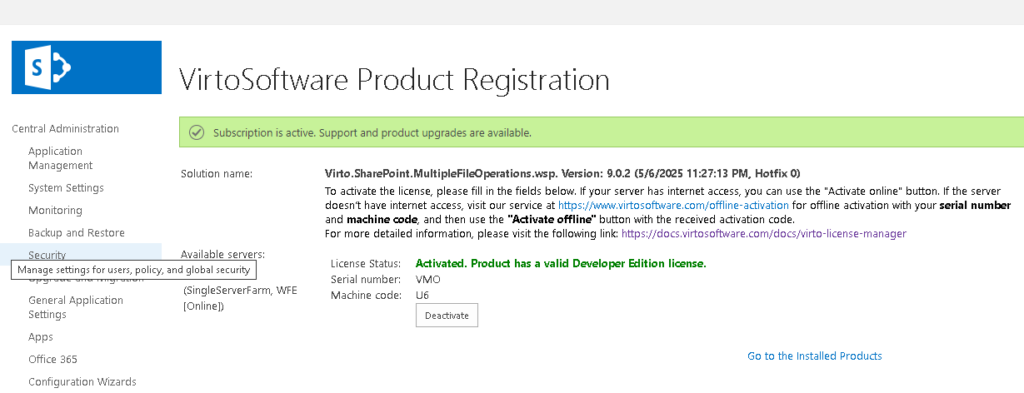
Offline product activation
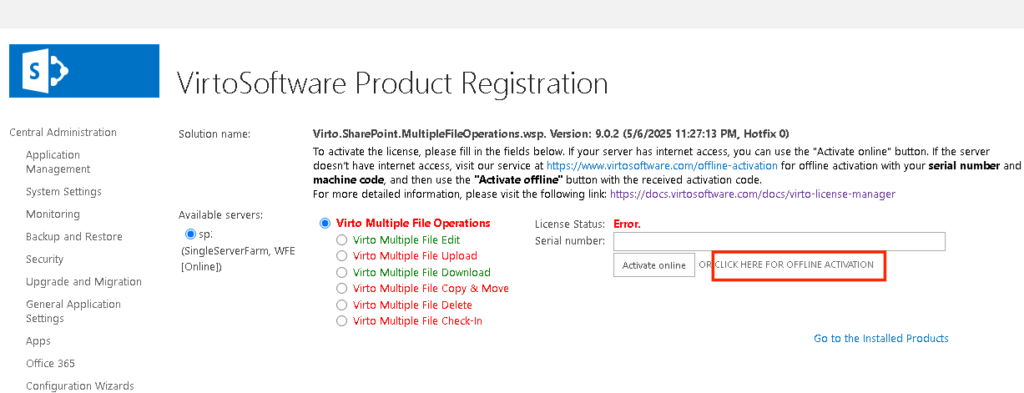
If your server is offline, click on offline activation.
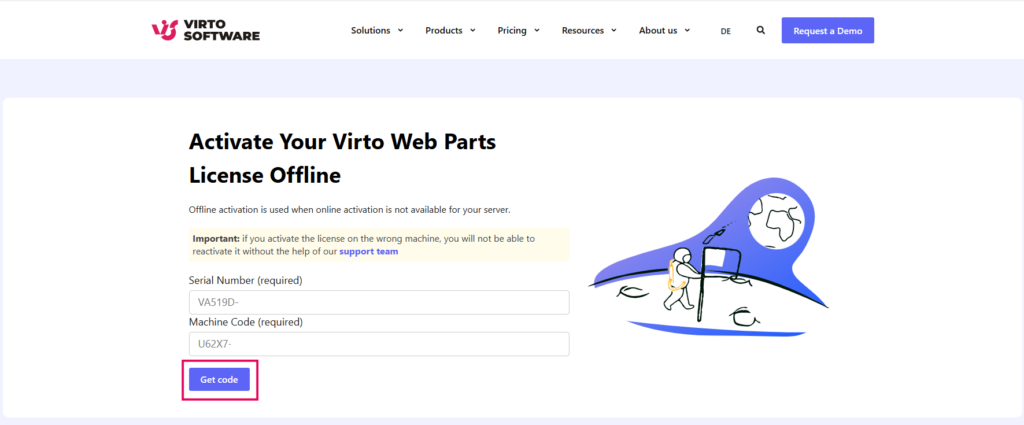
Then, visit the offline activation page: https://www.virtosoftware.com/offline-activation/.
Enter the serial number we emailed you after purchase, along with your machine code, and click “Get code”.
Copy the activation code.
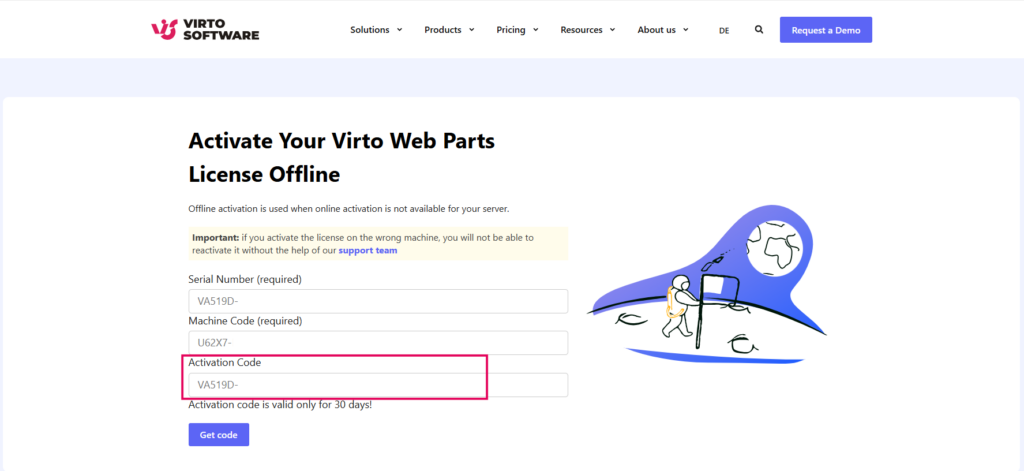
Paste it into the Activation code field on the VirtoSoftware Product Registration page.
Also, enter your Serial number in the corresponding field, and click “Activate offline”.
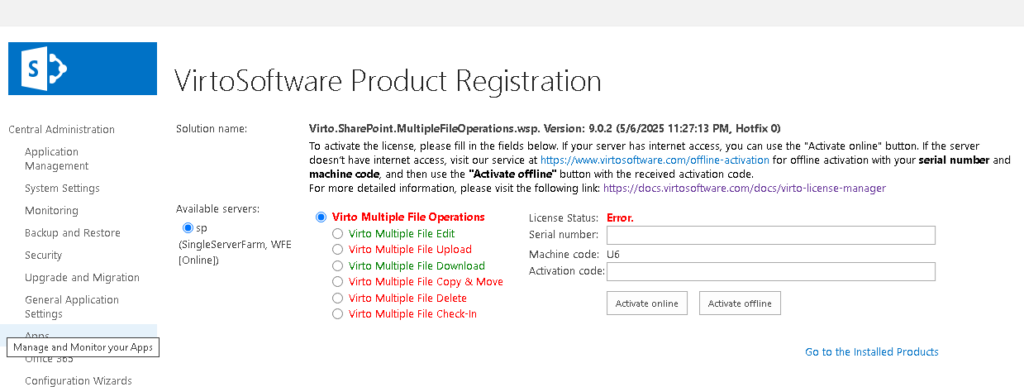
If everything is correct, you will see the message “Subscription is active” and the License Status will show as “Activated.”