Moving Tasks and Changing Task Duration
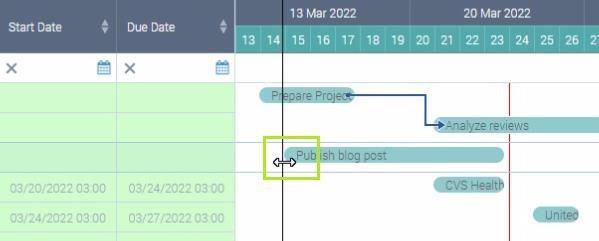
You can easily change task dates by drag and drop. Drag the task to the date/time you need it to start. The end date will change accordingly (the duration is left the same in this case).
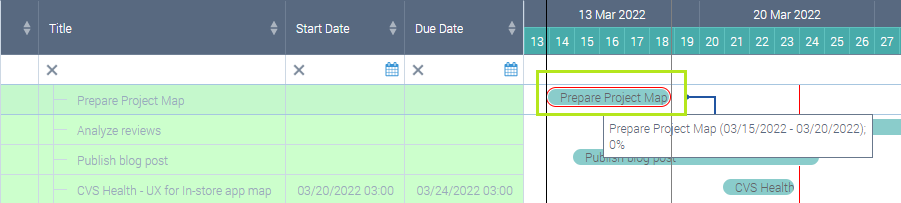
If you need to change the duration, you drag just the start or end of the task bar. The same changes will be done in the source SharePoint list.