
View and edit task
Click a task to view its details. You can switch between the short view and the full view.
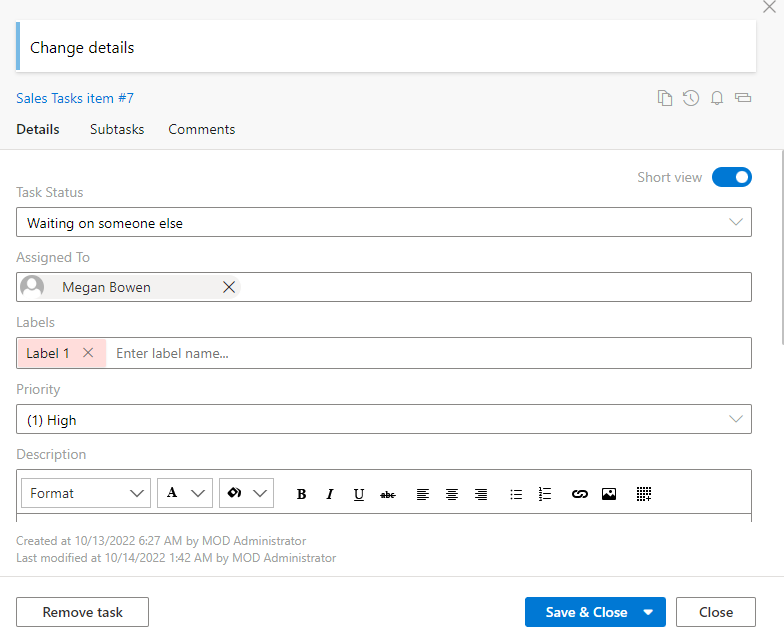
You can edit card fields underlined with a dotted line directly on the board without opening the form.
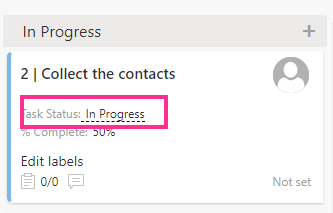
If you change “% complete” to 100, the task will be automatically moved to the “Completed” column.