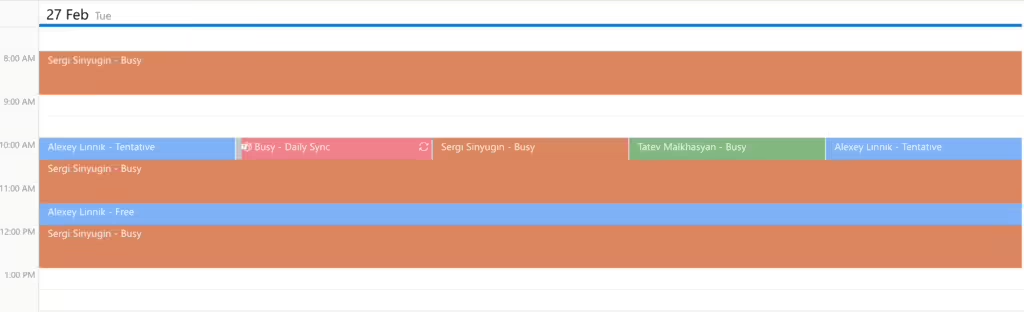
Resource calendars
Virto Calendar App supports adding resource calendars to a single calendar view. Resource calendars are primarily used for managing and scheduling shared resources within an organization. They allow users to book and track the availability of various assets or spaces.
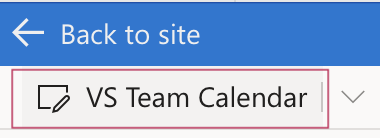
To add resource calendars to your Virto calendar, click the calendar name to open its settings.
Scroll down to “Exchange settings” and type in your company or team’s email address(es) used for booking resources.
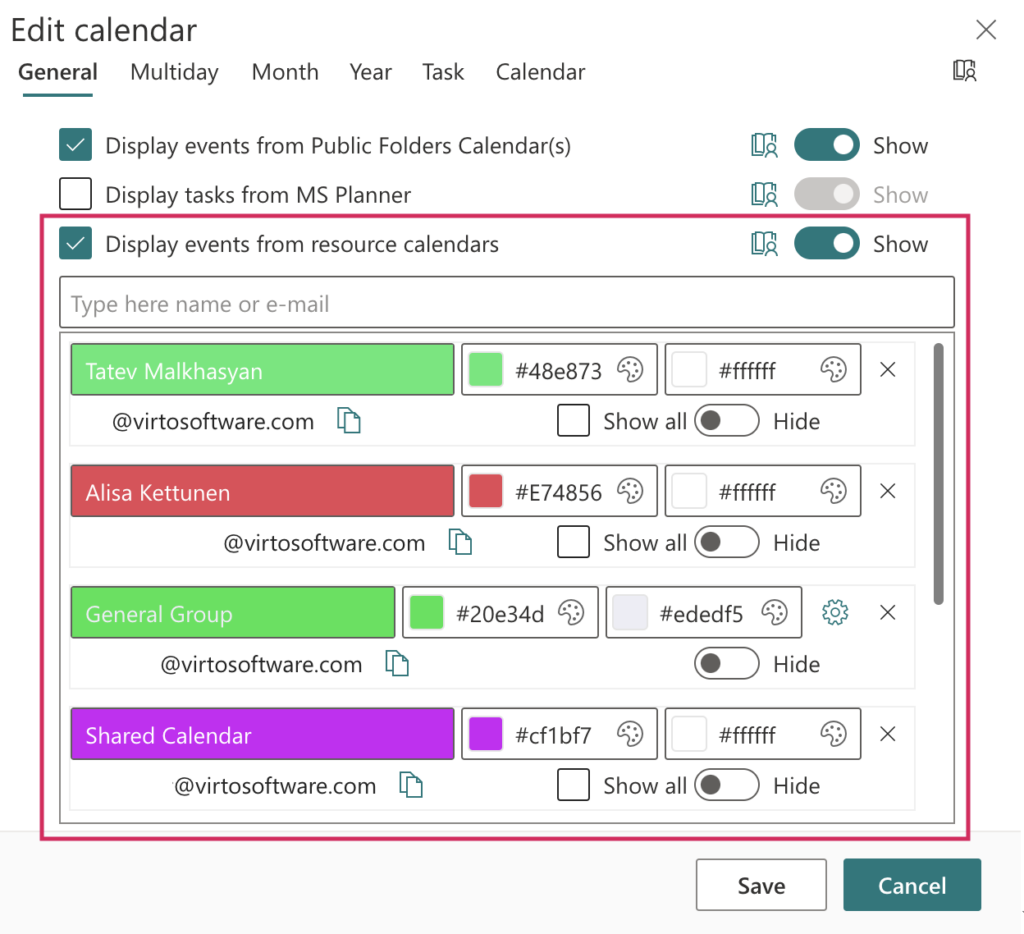
You can use the same method to add other users’ calendars. If the chosen user shares more than one calendar, you can add all of them.
Check the box for “Show all.” Click “Save.”
Now, your calendar includes information of the email addresses you added.