# Simple Views

Source: [https://docs.virtosoftware.com/docs/calendar-overlay-pro/calendar-views/simple-views/](https://docs.virtosoftware.com/docs/calendar-overlay-pro/calendar-views/simple-views/)


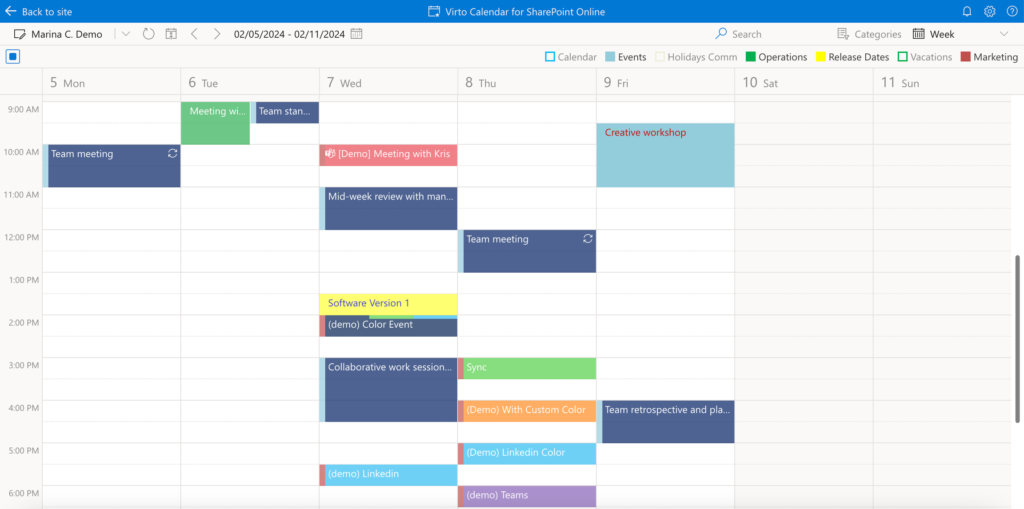
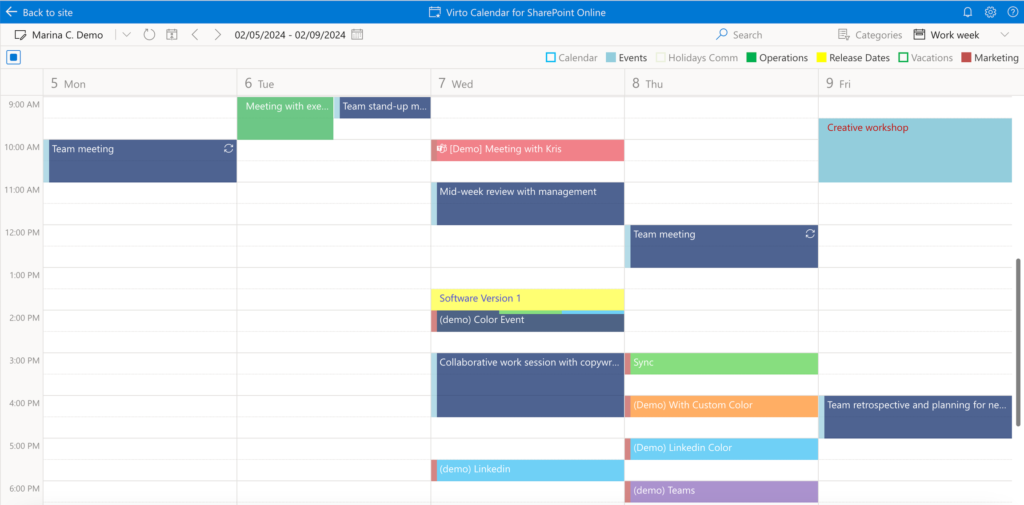
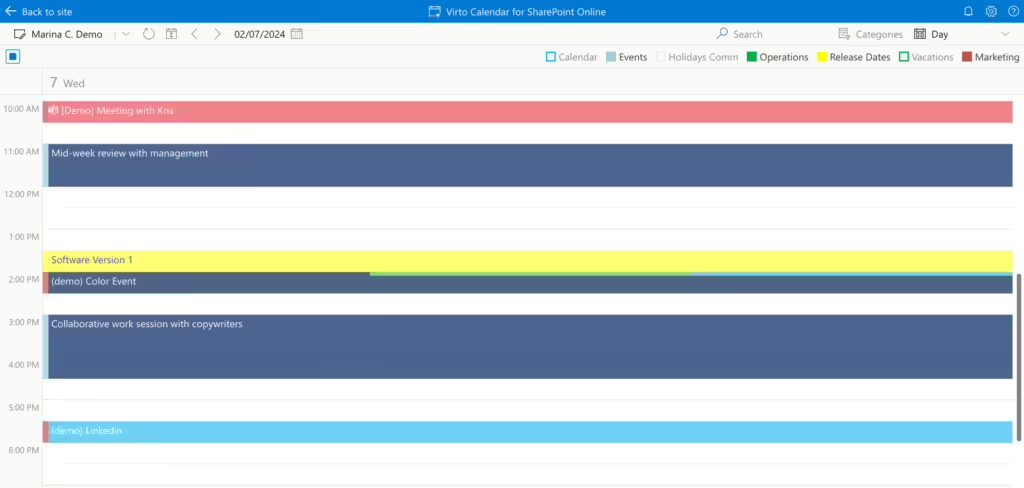
In the **day***,* **week***,* and **work week** views, you can create and delete events or drag and drop them to reschedule.

<figure class="wp-block-image size-large"><img alt="Day view in Virto Calendar App showing a single day's events on an hourly timeline" class="wp-image-3539" src="https://img-docs.virtosoftware.com/wp-content/uploads/2024/10/simple_views_1-1024x488.png"/><figcaption class="wp-element-caption">Day view</figcaption></figure>

<figure class="wp-block-image size-large"><img alt="Week view in Virto Calendar App displaying all seven days side by side with their events" class="wp-image-3540" src="https://img-docs.virtosoftware.com/wp-content/uploads/2024/10/simple_views_2-1024x509.webp"/><figcaption class="wp-element-caption">Week view</figcaption></figure>

<figure class="wp-block-image size-large"><img alt="Work week view in Virto Calendar App showing only the working weekdays and their events" class="wp-image-3541" src="https://img-docs.virtosoftware.com/wp-content/uploads/2024/10/simple_views_3-1024x505.webp"/><figcaption class="wp-element-caption">Work week view</figcaption></figure>

**Live View** allows you to stay updated with real-time changes in the Day View.
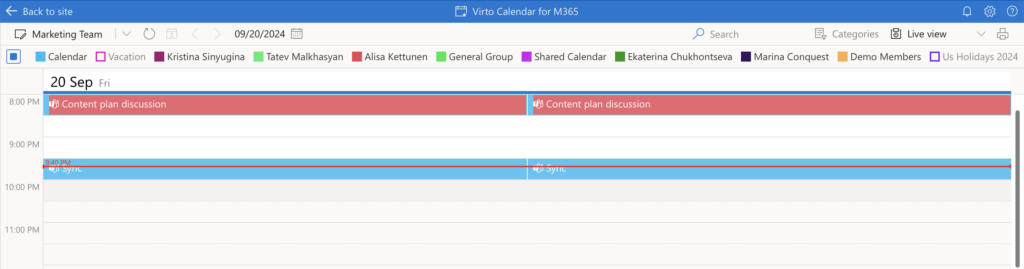
![Live View in Virto Calendar App keeping the Day View updated with real-time event changes](https://img-docs.virtosoftware.com/wp-content/uploads/2024/10/Screenshot-2024-09-20-at-21.40.51-1-1024x269.png)

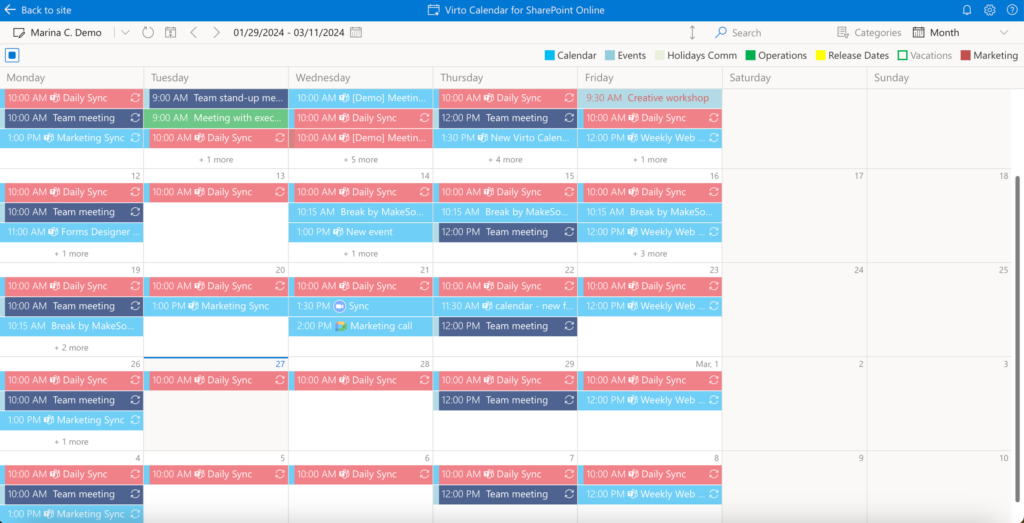
In the **month** view, you can create, move, and delete events.

<figure class="wp-block-image size-large"><img alt="Month view in Virto Calendar App showing a full calendar month grid where events can be created and moved" class="wp-image-3542" src="https://img-docs.virtosoftware.com/wp-content/uploads/2024/10/simple_views_4-1024x523.webp"/><figcaption class="wp-element-caption">Month view</figcaption></figure>

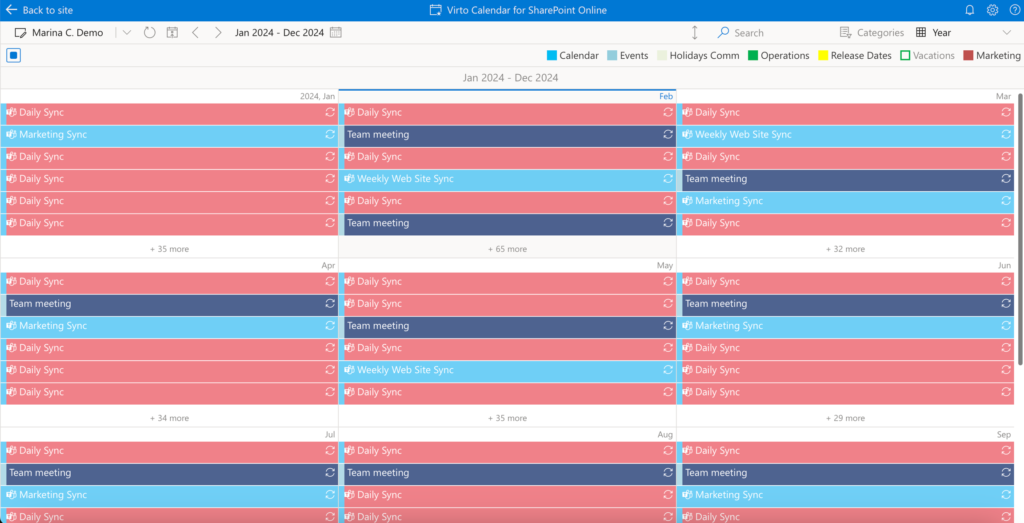
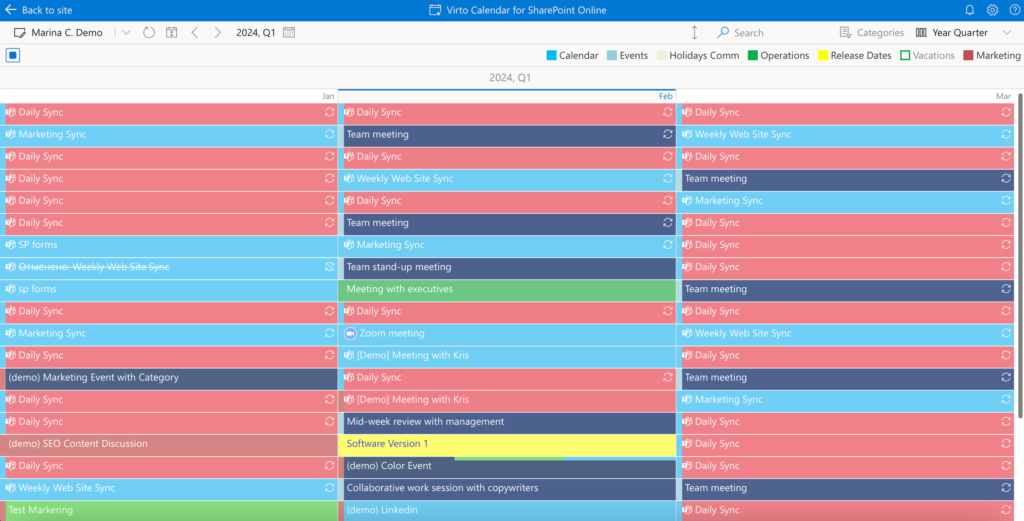
**Year** and **year quarter** views allow you to view events.

<figure class="wp-block-image size-large"><img alt="Year view in Virto Calendar App showing all twelve months at a glance for viewing events" class="wp-image-3543" src="https://img-docs.virtosoftware.com/wp-content/uploads/2024/10/simple_views_5-1024x523.webp"/><figcaption class="wp-element-caption">Year view</figcaption></figure>

<figure class="wp-block-image size-large"><img alt="Year quarter view in Virto Calendar App showing three months of a quarter for viewing events" class="wp-image-3544" src="https://img-docs.virtosoftware.com/wp-content/uploads/2024/10/simple_views_6-1024x521.webp"/><figcaption class="wp-element-caption">Year quarter view</figcaption></figure>

The new **Flat Year View** provides a clear and comprehensive overview of the entire year, designed to simplify long-term planning and scheduling. This feature allows users to quickly identify key dates, coordinate plans, and efficiently manage annual activities such as time off and project timelines.
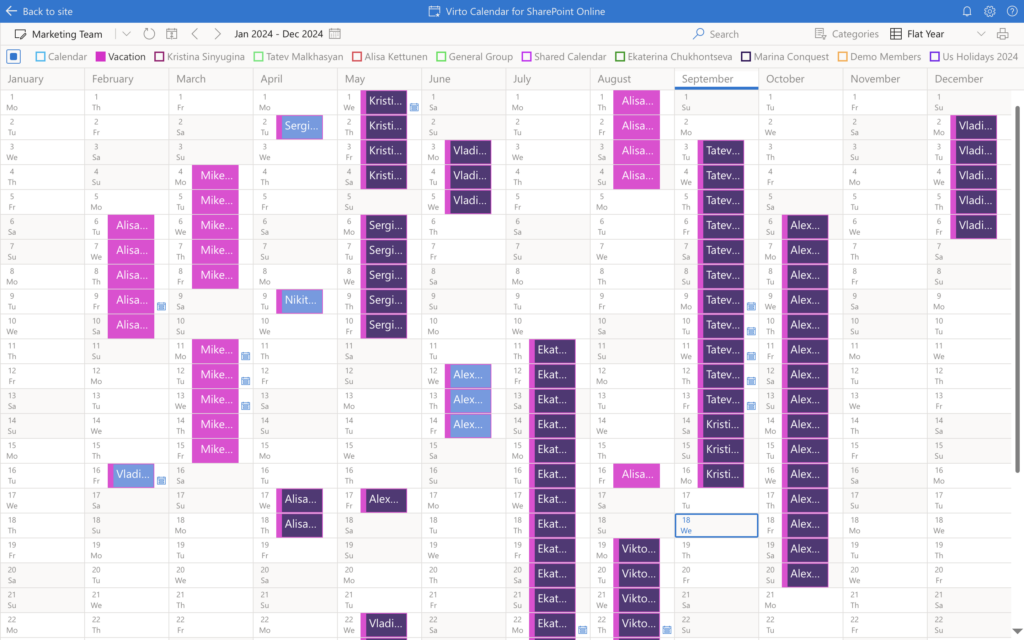
![Flat Year View in Virto Calendar App giving a single-screen overview of the whole year for long-term planning](https://img-docs.virtosoftware.com/wp-content/uploads/2024/10/flat-year-1024x640.png)