Contact us

Simple Views

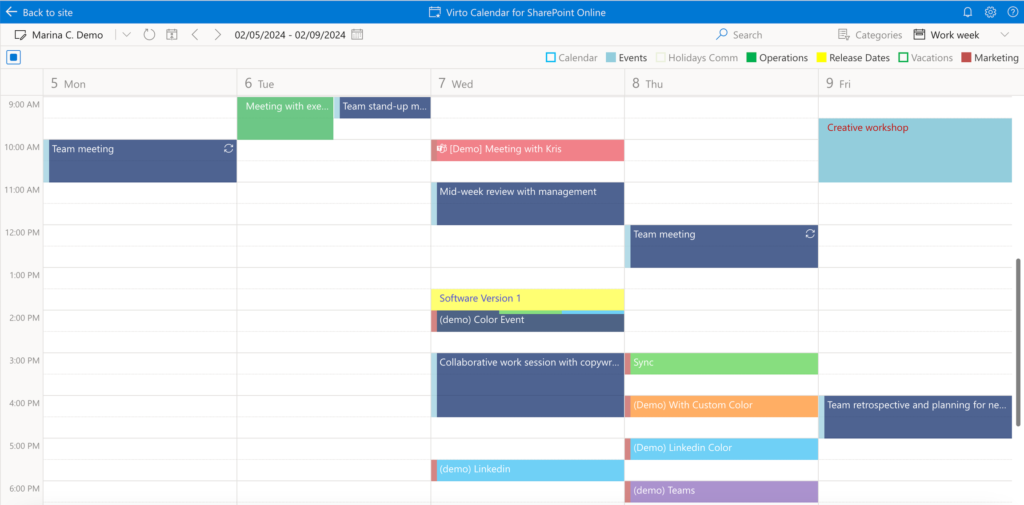
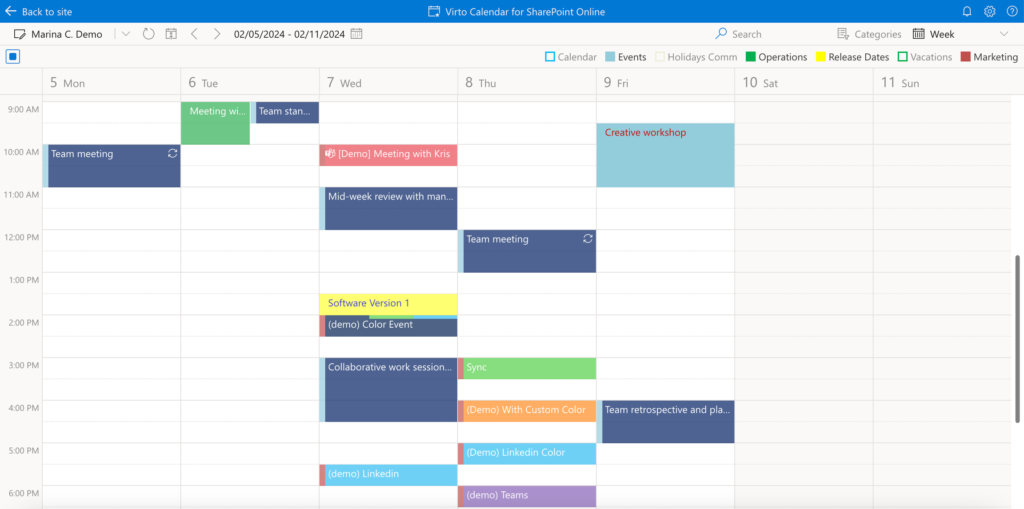
In the day*,* week*,* and work week views, you can create and delete events or drag and drop them to reschedule.
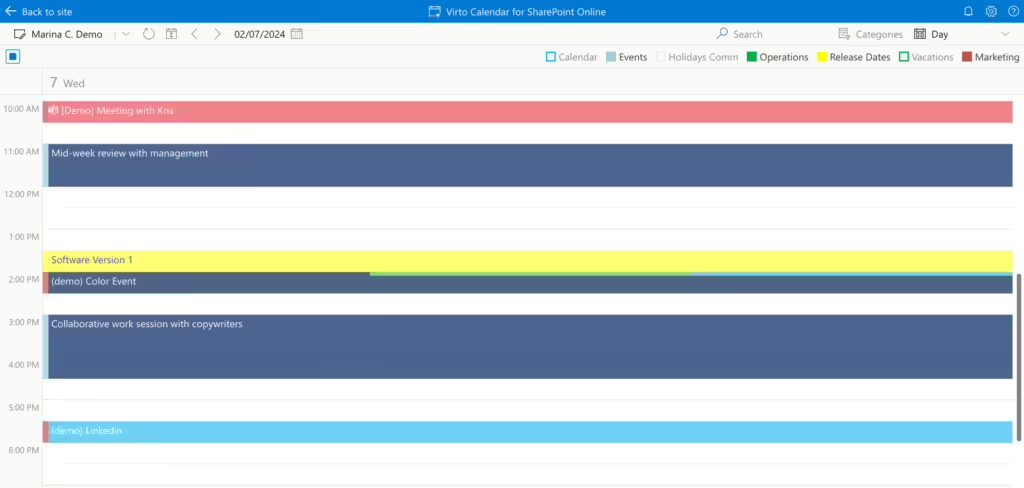
Day view in Virto Calendar App showing a single day's events on an hourly timeline
Day view
Week view in Virto Calendar App displaying all seven days side by side with their events
Week view
Work week view in Virto Calendar App showing only the working weekdays and their events
Work week view

Live View allows you to stay updated with real-time changes in the Day View.
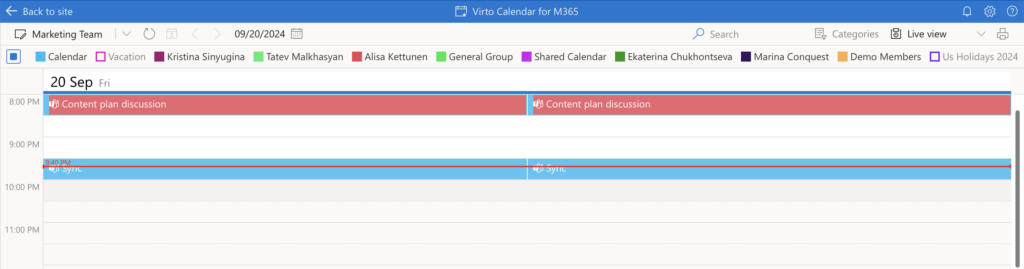
Live View in Virto Calendar App keeping the Day View updated with real-time event changes

In the month view, you can create, move, and delete events.
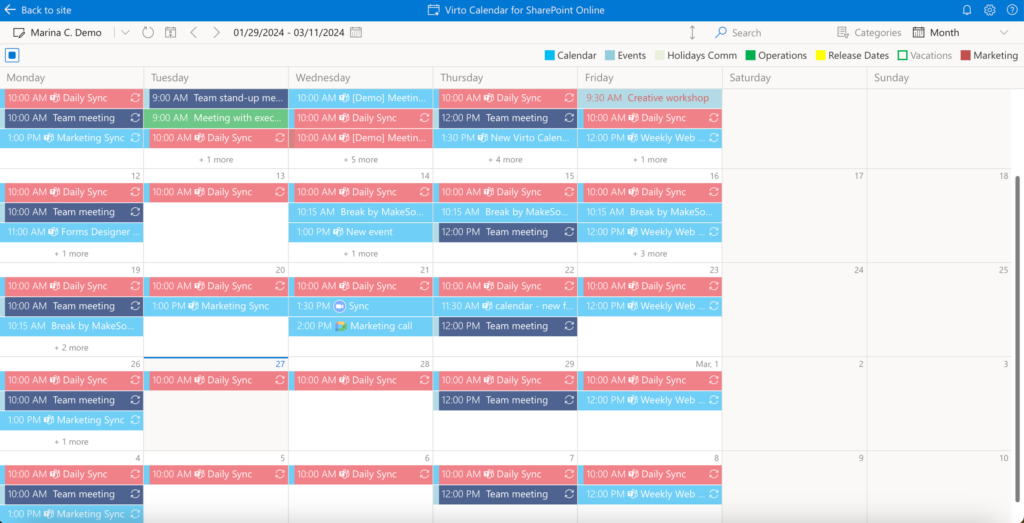
Month view in Virto Calendar App showing a full calendar month grid where events can be created and moved
Month view

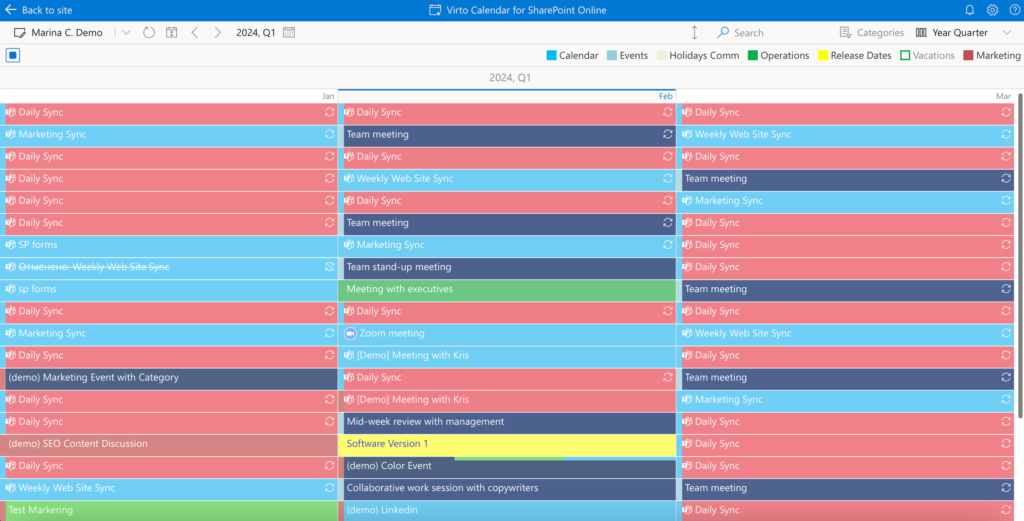
Year and year quarter views allow you to view events.
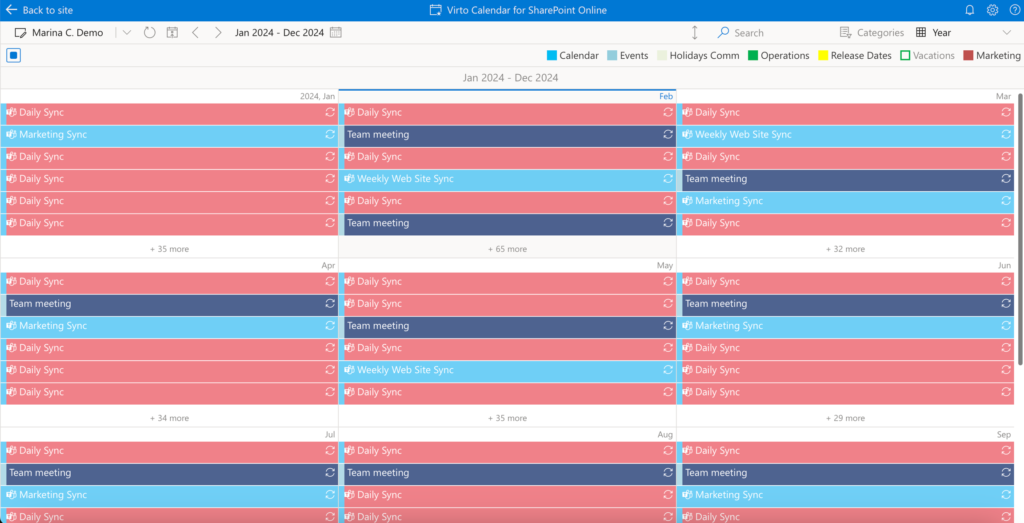
Year view in Virto Calendar App showing all twelve months at a glance for viewing events
Year view
Year quarter view in Virto Calendar App showing three months of a quarter for viewing events
Year quarter view

The new Flat Year View provides a clear and comprehensive overview of the entire year, designed to simplify long-term planning and scheduling. This feature allows users to quickly identify key dates, coordinate plans, and efficiently manage annual activities such as time off and project timelines.
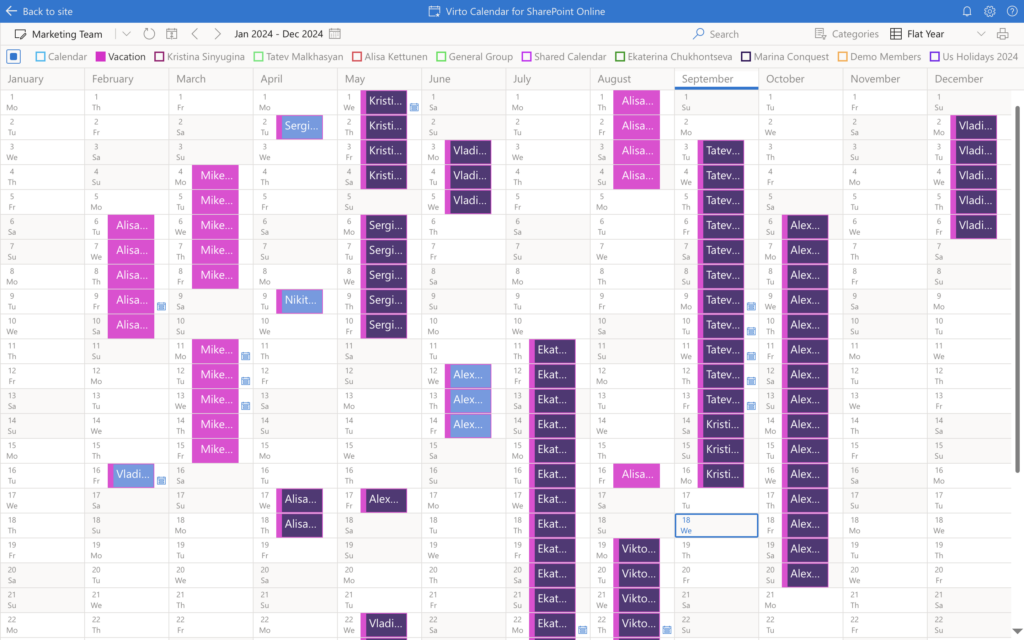
Flat Year View in Virto Calendar App giving a single-screen overview of the whole year for long-term planning

Updated on October 10, 2024