# Gantt View
Source: [https://docs.virtosoftware.com/docs/calendar-overlay-pro/calendar-views/gantt-view/](https://docs.virtosoftware.com/docs/calendar-overlay-pro/calendar-views/gantt-view/)
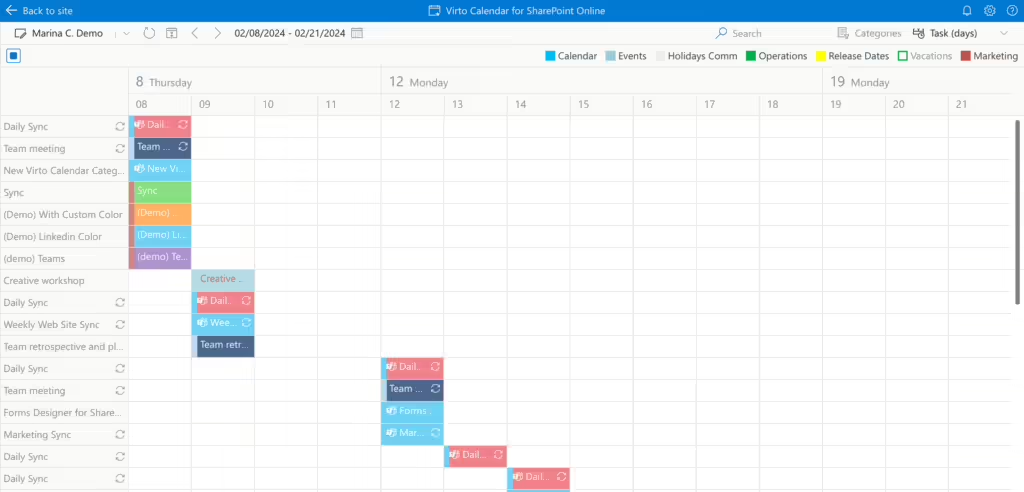
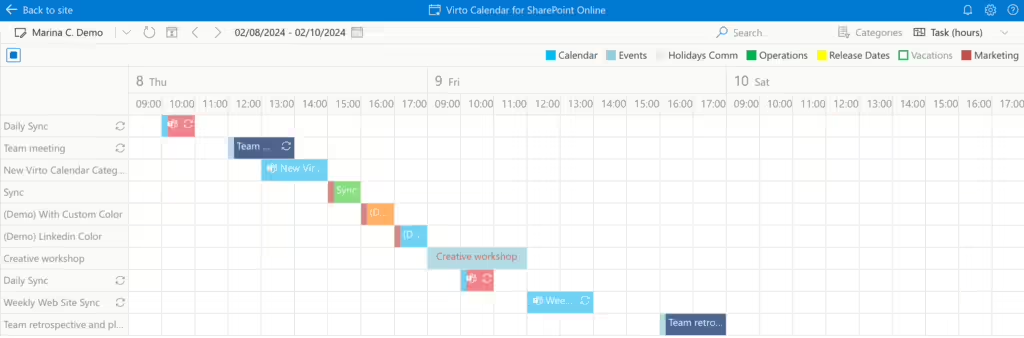
The **Gantt** view in Virto Calendar App is available in two formats: *task (days)* and *task (hours)*. These views enable the grouping of items by events, allowing you to see precisely how much time has been allocated for them. You can create, delete, and drag and drop events in this view.
Task days viewTask hours view
Since any field of type integer can be defined as a completions rate field, the percentage is not displayed if the field's value is higher than 100 percent.